







In a world saturated with digital noise, generic, one-size-fits-all email blasts are no longer effective. Personalized email marketing is the alternative: a strategy that uses subscriber data to deliver relevant, individualized content. It moves beyond a simple broadcast to create a meaningful conversation, demonstrating that you see customers as unique individuals, not just entries in a database. This approach builds trust and loyalty, turning a potential ‘delete’ into a ‘buy now’ by delivering the right message to the right person at the right time, which is crucial for sustainable business growth.
True email personalization extends far beyond simply inserting a subscriber’s first name into the subject line. While a personalized greeting is a good start, deep personalization involves customizing the entire email experience based on a user’s identity and actions. It’s about creating a one-to-one journey at scale.
Imagine these scenarios:
In each case, the content is relevant, timely, and valuable because it is rooted in the subscriber’s data—their past purchases, browsing behavior, and demographic information. This level of detail makes the recipient feel understood and valued, dramatically increasing the chances of engagement and conversion.
The shift towards personalization isn’t just a trend; it’s a proven strategy with a significant return on investment. The data consistently shows that customers not only prefer personalized experiences but actively reward the brands that provide them.
These figures paint a clear picture: personalization is no longer a ‘nice-to-have’ feature. It is a fundamental component of a successful marketing strategy that directly impacts customer acquisition, retention, and revenue.
Personalized email marketing plays a critical role at every stage of the customer journey, guiding potential buyers from initial awareness to long-term advocacy.
Personalization is powered by data. Without an accurate, organized, and accessible source of customer information, even the most advanced strategies will fail. Building a solid data foundation is the most critical step in launching a successful program. This process involves identifying what data to collect, choosing the right platform to manage it, and handling it responsibly.
To create a comprehensive view of your customer, you need to collect different types of data. Each category provides unique insights that can be used to segment your audience and tailor your messaging.
| Data Type | Description | Examples |
|---|---|---|
| Demographic Data | Information about who your customer is. It’s static and provides broad context. |
|
| Behavioral Data | Information about how your customer interacts with your brand across different touchpoints. |
|
| Transactional Data | Information related to a customer’s purchasing history. It’s a strong indicator of interest and value. |
|
You can also collect ‘zero-party data,’ which is information that customers intentionally and proactively share with you, often through quizzes, surveys, or preference centers.
Once you start collecting data, you need a centralized system to store and manage it. The two primary solutions for this are a Customer Relationship Management (CRM) system and a Customer Data Platform (CDP).
For most small to medium-sized businesses, a powerful email marketing platform with integrated CRM features is sufficient to get started with personalization. Larger enterprises with multiple data sources may benefit more from a dedicated CDP.
Data collection comes with significant responsibility. Consumers are increasingly aware of their data privacy rights, and regulations like the General Data Protection Regulation (GDPR) in Europe and the California Consumer Privacy Act (CCPA) enforce strict rules on how businesses handle personal information.
To build trust and avoid legal penalties, you must prioritize compliance:
Prioritizing data privacy is not just a legal requirement; it’s a cornerstone of building a trustworthy and sustainable relationship with your customers.
Segmentation is the process of dividing your email list into smaller, more targeted groups based on shared characteristics. It acts as the bridge between collecting data and delivering personalized content. By crafting highly relevant emails for specific groups instead of sending one message to everyone, you can significantly increase engagement and conversions.
Your customers’ transaction history is one of the most powerful sources of data for segmentation. People who have already purchased from you are more likely to do so again, and their past behavior is a strong predictor of future interests.
A popular framework for this is RFM Analysis:
Using RFM, you can create valuable segments like:
A subscriber’s actions—or inaction—speak volumes about their interests and intent. By tracking how users interact with your website and emails, you can create dynamic segments that reflect their current level of engagement.
Consider these behavioral segments:
Demographic data provides the ‘who’ and ‘where’ of your audience, allowing for broad but effective personalization.
Psychographics go a step deeper, focusing on a subscriber’s interests, values, and lifestyle. This data is often collected through surveys or quizzes. For example, a fitness brand could segment its audience into ‘yoga enthusiasts,’ ‘weightlifters,’ and ‘marathon runners,’ each receiving highly specialized content and product recommendations.
To get the richest data for personalization, sometimes all you have to do is ask. Quizzes and surveys are excellent tools for collecting zero-party data—information that customers willingly provide. This data is highly accurate and provides deep insights into their preferences and needs.
For example:
This direct feedback loop not only provides invaluable data for segmentation but also makes the subscriber feel heard and understood from their very first interaction.
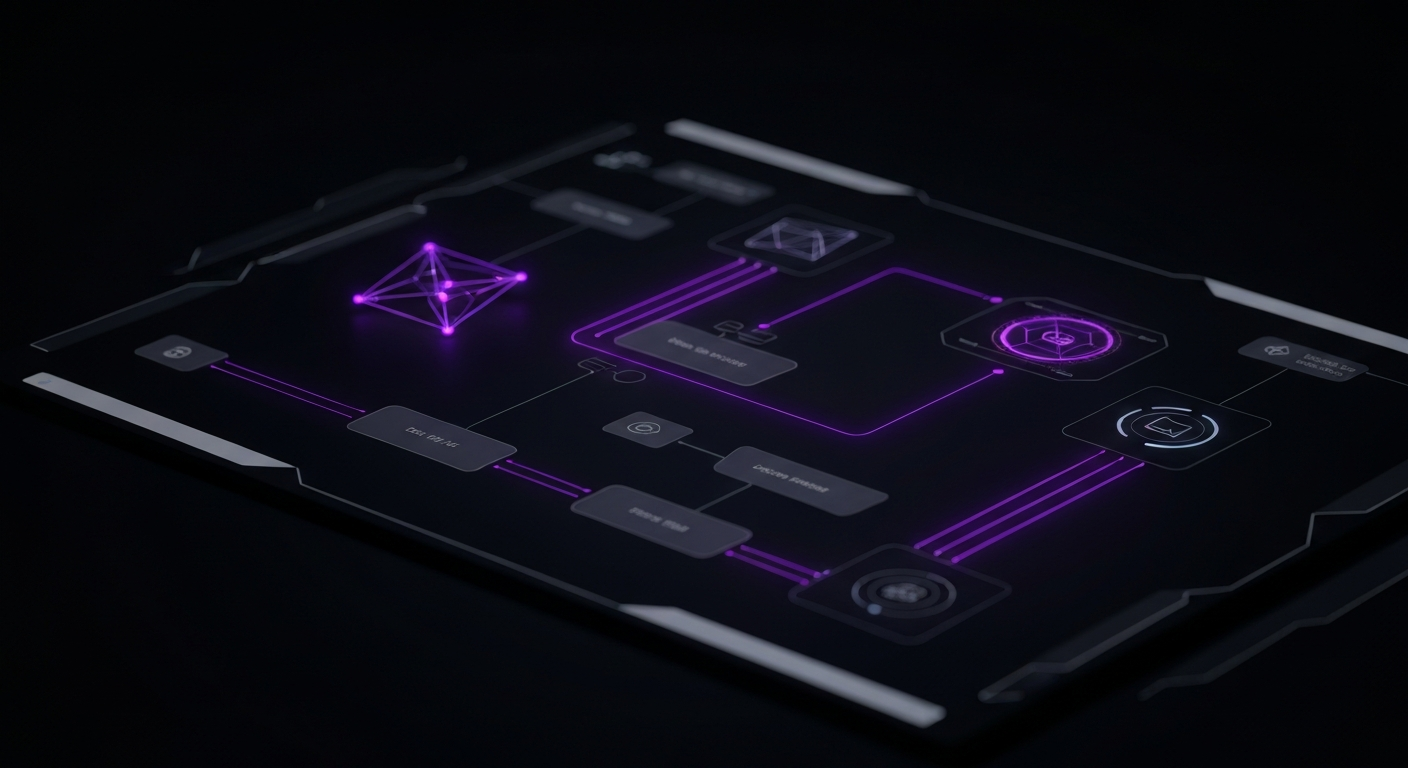
Email automation is the technology that allows you to send personalized emails at scale. It involves creating predefined sequences of emails, or ‘workflows,’ that are automatically triggered by a specific user action, date, or event. Automation ensures that your subscribers receive timely and relevant messages without you having to manually send each one. It’s the key to maintaining a consistent, personalized conversation throughout the customer lifecycle.
Your welcome series is arguably the most important automation you will build. New subscribers are at their peak engagement level, and this is your best opportunity to make a strong first impression. A single welcome email is good, but a multi-part series is better.
A typical 3-part welcome series might look like this:
Abandoned cart emails are a high-ROI automation designed to bring back shoppers who added items to their cart but left without checking out. These emails are highly effective because they target users with clear purchase intent.
A standard 3-email sequence includes:
Not every subscriber is ready to buy immediately. Lead nurturing drip campaigns are designed for subscribers who are in the consideration phase. The goal is to build trust and educate them about your solutions over time, keeping your brand top-of-mind for when they are ready to make a decision.
These campaigns work by sending a series of emails that provide value without a hard sell. Content could include blog posts, case studies, webinar invitations, buying guides, or industry insights. The sequence should be designed to logically guide the lead through their learning process, addressing their pain points and positioning your product as the ideal solution.
Your relationship with a customer doesn’t end at the checkout. Post-purchase automations are crucial for building loyalty and encouraging repeat business.

Once your data is organized, your list is segmented, and your automations are mapped out, it’s time to focus on the content of the emails themselves. Hyper-personalization is about using the data you’ve collected to tailor every element of the email—from the subject line to the call-to-action—to the individual recipient. This is where your strategy truly comes to life, creating an experience that feels uniquely personal.
Dynamic content allows you to display different versions of content within a single email template based on the recipient’s segment or data. Instead of creating dozens of separate emails, you can build one master template that adapts itself to each subscriber. This is one of the most powerful tools for personalization at scale.
For example, an apparel retailer could use dynamic content to:
By using dynamic blocks, you ensure that every part of your email is as relevant as possible to the person viewing it.
The subject line is your first—and sometimes only—chance to grab a subscriber’s attention in a crowded inbox. Personalizing it can dramatically increase your open rates.
Go beyond the basic `[First Name]` tag and try more advanced tactics:
The preview text, which appears next to the subject line in most email clients, is equally important. Use it to expand on the subject line and provide another compelling reason to open the email.
E-commerce giants like Amazon have trained consumers to expect personalized product recommendations. Your email marketing should deliver the same experience. Using a customer’s purchase and browsing history, you can populate your emails with products they are highly likely to be interested in.
Effective recommendation strategies include:
The call-to-action is the critical element that drives the user to take the next step. A generic ‘Shop Now’ CTA can be effective, but a personalized CTA is even better. By tailoring your CTA to the user’s segment and stage in the customer journey, you can significantly improve your click-through and conversion rates.
Consider these examples:
Even small changes in wording can make the desired action feel more relevant and compelling to the specific recipient.
Your ability to execute a sophisticated personalization strategy depends heavily on the capabilities of your technology stack. The right email marketing platform will not only allow you to send emails but will also serve as the central hub for your customer data, segmentation, and automation. Choosing the right tool is a critical decision that will impact the efficiency and effectiveness of your entire program.
When evaluating different email marketing tools, there are several core features that are essential for personalization and automation:
The market for marketing technology offers two main approaches: all-in-one suites that combine many functions into a single platform, and best-of-breed solutions that focus on doing one thing exceptionally well.
| All-in-One Suites (e.g., HubSpot, Klaviyo) | Best-of-Breed Solutions (e.g., ActiveCampaign + Shopify + Salesforce) | |
|---|---|---|
| Pros |
|
|
| Cons |
|
|
For most businesses, an all-in-one suite that is purpose-built for their industry (like Klaviyo for e-commerce) provides the best balance of power and ease of use. Larger enterprises with highly specific needs may opt for a best-of-breed approach.
No marketing tool exists in a vacuum. For personalization to work, data must flow freely between your systems. Before committing to an email platform, carefully evaluate its ability to integrate with the other critical tools your business relies on. The most important integration is typically with your website or e-commerce platform (e.g., Shopify, WooCommerce, Magento). This connection allows transactional and behavioral data to sync directly to your email platform, enabling powerful automations like abandoned cart reminders and post-purchase follow-ups. Other key integrations include your CRM, analytics tools, customer support software, and loyalty programs.

Creating and launching personalized email campaigns is just the beginning. The key to long-term success lies in a continuous cycle of testing, analyzing, and optimizing. Consumer preferences change, and what works today might not work tomorrow. A data-driven approach to optimization ensures that your email marketing efforts are always evolving and improving, delivering progressively better results over time.
A/B testing (or split testing) is the process of sending two different versions of an email to a small portion of your audience to see which one performs better. By changing only one variable at a time, you can scientifically determine what resonates most with your subscribers. Instead of relying on guesswork or intuition, A/B testing allows you to make informed decisions that are backed by real data. It’s an essential practice for refining every aspect of your personalization strategy.
You can A/B test almost any element of your email campaigns. To get started, focus on the elements that are likely to have the biggest impact on your key metrics.
After running an A/B test, the next step is to analyze the results and act on them. When reviewing the data, look for a ‘winner’ that is statistically significant—meaning the difference in performance is unlikely to be due to random chance. Most email platforms will calculate this for you.
Once you have a clear winner, implement that variation as the new control for future campaigns. The key is to create a feedback loop: test a hypothesis, analyze the results, apply the learning, and then form a new hypothesis to test. This iterative process of continuous improvement is what separates good email marketers from great ones. Over time, these small, incremental gains will compound into a significant increase in overall campaign performance.
To justify the investment in personalization and to understand what’s working, you need to track your performance meticulously. Measuring success goes beyond looking at high-level metrics; it requires digging into the data to see how different segments are responding and how your efforts are impacting key business objectives like revenue and customer loyalty. Clear measurement provides the insights you need to prove ROI and refine your strategy.
While there are many metrics you can monitor, a few key performance indicators (KPIs) are particularly important for evaluating the effectiveness of your personalized email campaigns.
The true power of measurement comes from analyzing your KPIs on a per-segment basis. An overall campaign CTR of 3% might seem average, but when you break it down, you might discover that your ‘VIP Customer’ segment had a CTR of 10%, while your ‘Inactive Subscriber’ segment had a CTR of 0.5%.
This granular analysis is crucial because it:
Customer Lifetime Value (CLV) is a prediction of the net profit attributed to the entire future relationship with a customer. It is one of the most important metrics for any business, and personalized email marketing has a direct impact on it. By delivering relevant content and offers, you encourage repeat purchases and build brand loyalty, which increases the average value of each customer over time.
You can measure email’s impact on CLV by tracking the purchase frequency and average order value of customers who are actively engaged with your email campaigns versus those who are not. By showing that your personalized workflows lead to more loyal, higher-spending customers, you can prove the long-term strategic value of your email marketing program.

Once you have mastered the fundamentals of data collection, segmentation, and automation, you can explore more advanced techniques to take your personalization to the next level. These strategies often leverage artificial intelligence and real-time data to create email experiences that are predictive, instantaneous, and deeply integrated into the overall customer experience.
Artificial intelligence (AI) and machine learning are revolutionizing email marketing by enabling predictive personalization. Instead of just reacting to a customer’s past behavior, AI can predict their future behavior.
Common applications include:
While welcome series and abandoned cart emails are standard, you can create triggers based on almost any real-time user behavior to deliver incredibly timely and relevant messages.
Consider these advanced triggers:
The most sophisticated marketing strategies are omnichannel, meaning they provide a seamless and consistent customer experience across all touchpoints. Email should not exist in a silo; it should be integrated with your other marketing channels.

While personalized email marketing offers immense potential, there are several common pitfalls that can undermine your efforts, damage customer trust, or simply lead to poor results. Being aware of these challenges is the first step toward avoiding them and ensuring your strategy is both effective and respectful of your audience.
There is a fine line between being helpful and being creepy. While using data to personalize the customer experience is powerful, using too much specific information can make subscribers feel like they are being watched. For example, an email that says, ‘We saw you spent 4 minutes and 17 seconds looking at this blue sweater yesterday,’ is invasive. The goal is to use data to infer interest and be relevant, not to show the customer how much you know about them. Always ask yourself if your personalization is providing value or if it’s crossing a line into intrusive territory.
Personalization is only as good as the data that powers it. Using incorrect or outdated information can lead to embarrassing mistakes that erode trust and make your brand look incompetent. The classic example is the ‘Hello [FNAME]’ error that occurs when a first name is missing from your database. Other common errors include recommending products a customer has already purchased, sending a win-back email to a recent buyer, or using an incorrect location for local offers. Regular data hygiene—cleaning your lists, updating records, and removing invalid data—is essential to prevent these mistakes.
According to recent studies, over half of all emails are now opened on a mobile device. If your emails are not designed and optimized for a mobile-first experience, you are alienating a significant portion of your audience. This goes beyond just using a responsive email template.
Consider the following for mobile optimization:
Failing to design for mobile is a surefire way to increase your delete rate and disengage your subscribers, no matter how personalized your content is.

Segmentation involves dividing your audience into groups with shared characteristics (e.g., location, purchase history). Personalization uses data about an individual within a segment to tailor the message specifically for them (e.g., using their name, showing products they previously viewed).
Start by setting up automation that provides clear value to the user, such as a welcome series with helpful resources or an abandoned cart email with a small discount. Ensure every automated email has a clear purpose, is sent based on a user’s action, and includes an easy way to unsubscribe.
Effective examples include abandoned cart reminders showing the exact products left behind, birthday emails with a special offer, post-purchase follow-ups with care tips or related products, and weekly digests customized with content based on a user’s past reading history.
You can start with just a first name and email address to personalize greetings. As you grow, you can collect more data points like purchase history, location, and website behavior. The key is to start simple and gradually implement more sophisticated personalization as your data grows.
Beyond open and click-through rates, focus on conversion rate, revenue per email, and customer lifetime value. It’s also crucial to compare these metrics across different segments to see which groups are responding best to your personalization efforts.
Absolutely. Many popular email marketing platforms offer free or low-cost tiers that include basic segmentation and automation features. You can start with simple workflows like a welcome series and build from there as your business and budget grow.


