






In digital marketing, ‘automation’ can sometimes sound impersonal. When applied to email marketing, however, automation is the key to unlocking highly personalized, timely, and effective communication at scale. A well-designed email marketing automation workflow is more than an efficiency tool; it’s a strategic asset that guides potential customers from their first interaction with your brand to becoming loyal advocates. It serves as the engine that powers modern lead nurturing and sales enablement.
Understanding the power of these workflows means looking beyond simple, linear email sequences. It involves creating dynamic systems that respond to user behavior, delivering the right message to the right person at the right moment. This strategic approach transforms your email list from a passive audience into an engaged community, driving measurable business results.
Many businesses begin their email marketing with autoresponders, also known as drip campaigns. The concept is straightforward: a new subscriber signs up and receives a pre-set series of emails on a fixed schedule—one on day one, another on day three, and so on. While better than sending nothing, this one-size-fits-all approach has a significant flaw: it treats every subscriber identically, regardless of their actions, interests, or engagement level.
Email marketing automation workflows are the intelligent evolution of this concept. Instead of a rigid, time-based schedule, a workflow is a behavior-based system built on ‘if/then’ logic. It uses triggers and conditions to create personalized paths for each subscriber. For example, if a subscriber clicks a link about ‘Product A,’ the workflow can automatically tag them and send a follow-up case study about that product. If another subscriber ignores the email, the workflow might send different content to re-engage them. This dynamic response system is what separates a basic drip campaign from a high-performing automation strategy.
The modern customer journey is rarely a straight line; it is a winding path with multiple touchpoints across various channels. Email automation workflows act as a consistent and personalized guide throughout this journey, ensuring that no matter where a lead is in their decision-making process, they receive relevant information that helps them take the next logical step.
Consider the different stages:
Implementing strategic email workflows delivers tangible benefits across the business. First, it saves a significant amount of time. By automating repetitive communication, your marketing and sales teams can focus on higher-level strategy, content creation, and direct customer interactions. This efficiency gain alone provides a substantial return on investment.
Second, automation directly contributes to revenue growth. Lead nurturing workflows warm up leads until they are sales-ready, resulting in higher conversion rates. Abandoned cart sequences can recover a significant percentage of potentially lost sales. Furthermore, post-purchase upselling and cross-selling workflows are powerful tools for maximizing the revenue generated from each customer, boosting CLV.
Finally, and perhaps most importantly, automation improves the customer experience (CX). When communication is timely, relevant, and personalized, customers feel understood and valued. They receive helpful content when they need it and offers that align with their demonstrated interests. This positive experience builds brand trust and fosters long-term loyalty, turning one-time buyers into repeat customers and advocates.
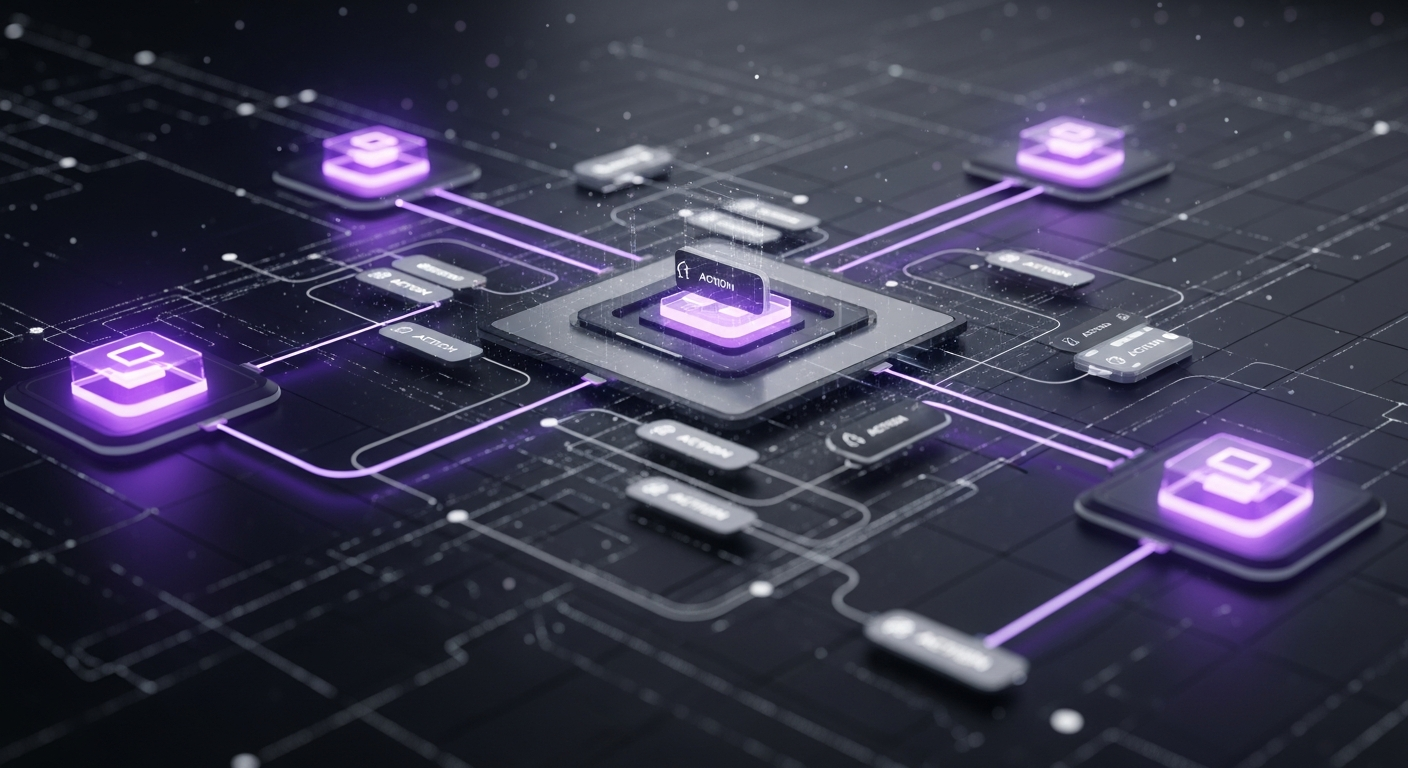
To build effective email automation, you must first understand its fundamental building blocks. Every workflow, regardless of its complexity, is constructed from three core components: triggers, actions, and conditions. Think of these as a set of instructions for your automation platform: ‘If this trigger event occurs, then perform that action, unless this condition is true.’ Mastering these components allows you to design sophisticated, adaptive customer journeys.
A trigger is the event that initiates a workflow. It’s the ‘if’ in the ‘if/then’ equation. A contact must meet the trigger criteria to be enrolled in the sequence. Triggers can be based on a wide range of data and behaviors, making them incredibly powerful for creating contextually relevant communication. Without a trigger, a workflow remains dormant.
Common triggers include:
Once a trigger fires, the workflow executes one or more actions. These are the ‘then’ part of the equation—the specific tasks the system performs. While sending an email is the most common action, modern automation platforms offer various other actions that can manage data and orchestrate marketing and sales activities.
Key actions in a workflow include:
Conditions elevate a simple automation into a truly dynamic and intelligent workflow. They function as forks in the road, splitting a sequence into multiple paths based on whether a contact meets certain criteria. This is accomplished using ‘if/then’ branches. The workflow checks if a condition is true; if ‘yes,’ the contact proceeds down one path, and if ‘no,’ they go down another.
This logic allows for deep personalization. For example, in a lead nurturing workflow, you could set up a condition: ‘Did the contact click the link for the case study?’
By combining triggers, actions, and conditional logic, you can build sophisticated customer journeys that feel personal and are highly effective at moving leads through your sales funnel.
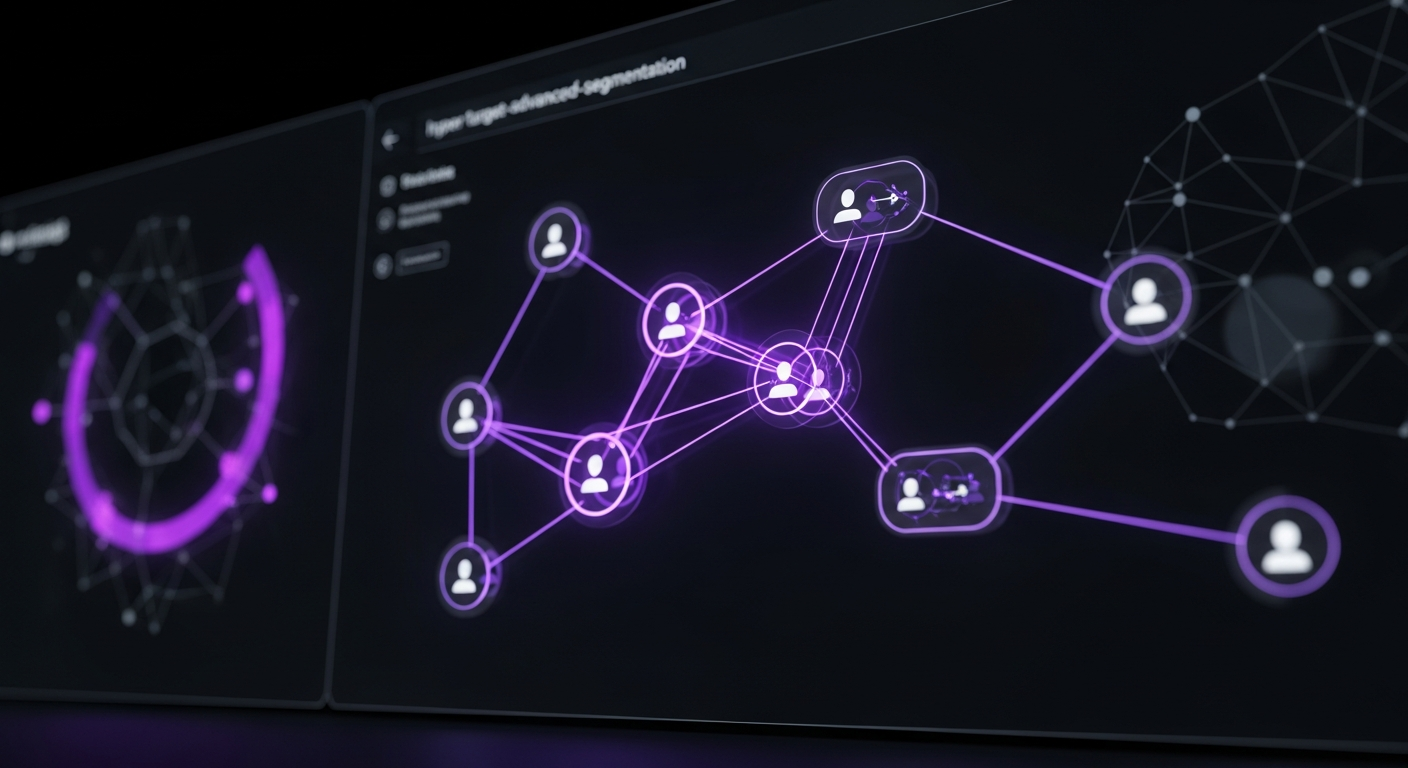
The foundation of any successful marketing automation strategy is segmentation. Sending the same message to your entire list often leads to low engagement, high unsubscribe rates, and missed opportunities. The goal is to deliver messages that feel as if they were written for an audience of one. Advanced segmentation allows you to group contacts based on shared characteristics and behaviors, enabling you to craft hyper-relevant content that resonates deeply and drives action.
The most fundamental form of segmentation involves using demographic and firmographic data—the ‘who they are’ information you collect about your contacts. While straightforward, it provides a crucial first layer of personalization.
This data is often collected through sign-up forms or data enrichment tools and provides essential context for your messaging.
While demographics tell you who your contacts are, behavioral segmentation reveals what they’re interested in right now. This is where marketing automation excels, as it allows you to segment your audience based on their actions (or inactions). This is one of the most powerful ways to gauge intent and deliver timely communication.
Examples of powerful behavioral segments include:
By tracking these behaviors, you can trigger workflows that are perfectly aligned with a contact’s current position in the customer journey.
Lead scoring is a methodology used to rank prospects on a scale representing their perceived value to your organization. It’s a systematic way to separate curious visitors from ready-to-buy leads. By assigning points to various attributes and actions, you can create a dynamic score that automatically identifies when a lead is sales-ready.
A typical lead scoring model might look like this:
You can set a threshold—for example, 100 points—that acts as a trigger. When a lead’s score crosses this threshold, a workflow can automatically update their status in your CRM and notify the appropriate sales representative with a history of the lead’s activities. This ensures your sales team spends their time on the most qualified, engaged prospects, increasing their efficiency and close rate.
A perfectly segmented list and a technically brilliant workflow will fall flat without compelling content. The emails you send are the core of your automation strategy. Each message must provide value, resonate with the recipient’s current needs, and guide them to the next step. This requires a strategic approach to content mapping, copywriting, and personalization that builds trust and rapport at every stage of the sales funnel.
The type of content a person is receptive to depends heavily on their stage in the buying journey. It is ineffective to push a hard sales pitch to someone who has just discovered your brand. Instead, map your content to the three main stages of the sales funnel: Top of Funnel (ToFu), Middle of Funnel (MoFu), and Bottom of Funnel (BoFu).
| Funnel Stage | Goal | Content Examples |
|---|---|---|
| Top of Funnel (ToFu) | Attract & Educate | Blog Posts, Ebooks, Checklists, Infographics, Social Media Updates |
| Middle of Funnel (MoFu) | Build Trust & Solve Problems | Case Studies, Webinars, Comparison Guides, Whitepapers, Expert Interviews |
| Bottom of Funnel (BoFu) | Convert & Close the Deal | Free Trials, Product Demos, Consultations, Pricing Sheets, Testimonials |
Your lead nurturing workflows should guide contacts through these stages. A new lead who downloaded a ToFu ebook should receive MoFu content like case studies to build their confidence in your solution before you present them with a BoFu offer like a demo request.
Your subject line is the gatekeeper of your email. No matter how brilliant your content is, it’s useless if the email is never opened. A great subject line is clear, concise, and compelling, standing out in a crowded inbox. It should spark curiosity or communicate a clear benefit.
Tips for effective subject lines:
Always A/B test your subject lines to learn what resonates best with your specific audience.
Personalization goes far beyond inserting a contact’s first name into the greeting. Modern automation platforms allow you to use personalization tokens for almost any data point stored in your CRM. This capability lets you craft emails that feel highly relevant and one-to-one.
Consider the possibilities:
This level of detail shows you’re paying attention. It demonstrates that you understand their context, needs, and interests, which is fundamental to building the trust required for a sale.

The welcome email series is arguably the most important automation you will build. It’s your first impression and sets the tone for the entire relationship with a new subscriber. Open rates for welcome emails are significantly higher than for typical marketing emails, making this a critical opportunity to engage your audience, deliver on your promises, and guide them toward the next step in their customer journey.
The very first email should arrive in a subscriber’s inbox within minutes of them signing up. Its primary job is to confirm the subscription and deliver whatever you promised in exchange for their email address, such as a lead magnet. It should also clearly set expectations for future communications. Tell them what kind of content they can expect to receive and how often you’ll be in touch. This transparency builds trust and reduces the likelihood of future emails being marked as spam.
If a user signed up to receive an ebook, checklist, or discount code, deliver it immediately and make it easy to access. Use a clear, prominent button or link with a strong call-to-action like “Download Your Guide Now” or “Get Your 15% Off Code.” This immediate fulfillment of your promise reinforces that your brand is trustworthy. Failing to deliver the promised value promptly can damage the relationship before it even begins.
A welcome series should consist of more than one email. Use a sequence of two to four emails over the first week to properly onboard your new subscriber. After the initial delivery email, use subsequent messages to introduce your brand more deeply.
Once a lead has been welcomed, the next step is to nurture them. A lead nurturing workflow is a strategic series of emails designed to educate prospects, build trust, and guide them through the sales funnel until they are ready to purchase. This is where you move from introduction to relationship-building. The goal is to stay top-of-mind and position your brand as the go-to expert and solution provider in your field.
The core of any successful lead nurturing campaign is value. Your emails should be primarily educational and secondarily promotional. Instead of constantly pushing for a sale, focus on helping prospects solve their problems. Send them links to insightful blog posts, helpful tutorials, free tools, and informative guides. By consistently providing value without asking for anything in return, you establish credibility and build a foundation of trust. When the time comes to make a purchase, they will naturally think of the brand that has been helping them.
As leads move further down the funnel, they will develop questions and objections. Your nurturing sequence should proactively address these. Social proof is one of the most powerful tools for this purpose. Share case studies that detail how a customer similar to them found success with your product or service. Include testimonials, quotes, and links to positive reviews. This third-party validation is often more convincing than marketing copy, as it demonstrates that your solution delivers real-world results and helps prospects visualize their own success.
A sophisticated lead nurturing workflow doesn’t just send content; it also listens for buying signals. You can use link clicks within your emails to gauge a prospect’s interest and intent. For example, if a lead clicks a link to view a case study, that’s a positive sign. If they click a link to your pricing page or a ‘Book a Demo’ button, that is a very strong buying signal. You can use this action as a trigger to move them out of the general nurturing sequence and into a more sales-focused workflow, or to send an automated notification to your sales team to initiate a personal follow-up. This ensures you engage with hot leads at the peak of their interest.
For any e-commerce business, the abandoned cart is a major source of lost revenue. Studies indicate that nearly 70% of online shopping carts are abandoned before the customer completes the sale. An automated abandoned cart recovery workflow is one of the most profitable automations you can implement. It’s a targeted sequence of emails designed to remind customers about the items they left behind and encourage them to complete their purchase.
The first email in your abandoned cart sequence is the most critical and typically has the highest conversion rate. Timing is paramount. This email should be sent within 1-3 hours of the cart being abandoned. At this point, the purchase is still fresh in the customer’s mind, and the abandonment may have been due to a simple distraction. This email should be a gentle, helpful reminder. Include images of the items in their cart and a clear, direct link back to their cart to make it as easy as possible to complete the transaction. A subject line like “Did you forget something?” is often very effective.
If the first reminder doesn’t result in a purchase, a follow-up email sent 24 hours later can introduce a new incentive. This is an opportunity to create a sense of urgency. You could mention that the items in their cart are popular and might sell out, or you could offer a small, limited-time discount (e.g., “Complete your order in the next 24 hours for 10% off”). This extra nudge can be highly effective at converting customers who were on the fence, perhaps due to price. However, use discounts strategically to avoid training customers to expect them.
Sometimes, a cart is abandoned due to friction in the checkout process, with unexpectedly high shipping costs being a primary reason. Your third and final email, often sent 48-72 hours later, can address these potential roadblocks. You can frame it as a customer service message: “Having trouble checking out?” This email can include a link to your shipping policy, an FAQ section, or a direct line to your support team. Acknowledging and offering to help with potential issues shows you care about the customer experience and can help salvage sales that might otherwise be lost.

Your marketing efforts shouldn’t stop once a sale is made. The post-purchase period is a golden opportunity to solidify your customer relationship, encourage repeat business, and turn buyers into brand advocates. A post-purchase automation workflow ensures a smooth onboarding experience and strategically engages customers to maximize their lifetime value (CLV). This is often the difference between a one-time transaction and a long-term, loyal customer.
The very first email a customer should receive after a purchase is an immediate order confirmation. While transactional, this email is a crucial part of the customer experience. It provides reassurance that the order was successful and gives them all necessary details, such as an order number, a summary of items purchased, total cost, and shipping information. Go beyond a basic receipt; use this opportunity to genuinely thank them for their business and reinforce their decision to buy from you. This simple gesture sets a positive tone for the relationship.
Social proof is incredibly valuable, and your happy customers are its best source. After a customer has had enough time to receive and experience your product (e.g., 7-14 days after delivery), trigger an automated email asking for a review. Make the process as frictionless as possible by linking directly to the product page or a third-party review platform. You can also encourage them to share photos of their purchase on social media using a specific hashtag. This user-generated content (UGC) is authentic marketing material that builds trust with potential customers.
A customer’s purchase history is a treasure trove of data. Use it to send highly targeted and relevant offers. A post-purchase workflow can automatically suggest complementary products or upgrades. For example:
This type of personalized marketing is helpful to the customer and is a powerful strategy for increasing repeat purchases and boosting customer lifetime value.

Over time, it’s natural for some subscribers to become inactive, meaning they stop opening or clicking your emails. These disengaged contacts can harm your overall deliverability rates and skew performance metrics. A re-engagement workflow, or win-back campaign, is an automated series of emails designed to either reactivate these dormant subscribers or cleanly remove them from your list to improve list hygiene.
The first step is to define what ‘inactive’ means for your business, which depends on your sales cycle and email frequency. A common definition is a subscriber who has not opened or clicked an email in the last 90 to 180 days. Create a dynamic segment in your email platform that automatically groups these contacts. This segment will serve as the trigger for your re-engagement workflow. When a subscriber enters this segment, the win-back campaign begins automatically.
Your re-engagement emails must stand out from your standard marketing messages. You need a strong hook to grab their attention and remind them of the value you offer. Subject lines like “Is this goodbye?” or “We miss you” can be effective. The content should focus on giving them a compelling reason to re-engage.
Effective strategies include:
If your initial attempts to re-engage a subscriber fail, it’s time for the final email in the sequence. This is often called the ‘breakup’ or ‘last chance’ email. Be direct and transparent. Explain that you’ve noticed they haven’t been engaged and that you plan to remove them from your list unless they click a link to confirm they wish to stay subscribed. While removing subscribers may seem counterintuitive, it is a critical practice for good list hygiene. Removing unengaged contacts leads to higher open rates, better deliverability, and more accurate data, allowing you to focus on an audience that wants to hear from you.

Building and launching email automation workflows is only half the battle. To unlock their full potential, you must continuously measure performance and optimize based on data. By tracking the right Key Performance Indicators (KPIs), you can identify what’s working, find areas for improvement, and make data-driven decisions that directly impact your bottom line. This focus on measurement is central to conversion rate optimization (CRO).
For years, the open rate was a primary metric for email marketers. However, with changes like Apple’s Mail Privacy Protection, open rates have become increasingly unreliable as an indicator of actual engagement. While still worth monitoring, your primary focus should shift to more meaningful metrics.
Your marketing automation platform’s analytics should provide a visual report of your workflow’s performance. Pay close attention to drop-off points—the places where subscribers are unsubscribing or exiting the workflow. If a significant number of people leave after a specific email, that email likely has a problem. Analyze its content, subject line, and call-to-action. Is it too sales-focused? Is the content irrelevant? Identifying and fixing these weak links is crucial for improving the sequence’s overall performance.
Optimization is an ongoing process driven by testing. A/B testing (or split testing) involves creating two versions of an email (A and B) and sending them to different segments of your audience to see which one performs better. To get clear results, you should only test one variable at a time.
Elements to A/B test include:
By systematically testing, learning, and applying the results, you can incrementally improve the performance of your workflows over time, leading to significant gains in engagement and conversions.
The success of your email marketing automation strategy depends heavily on the tool you use. The market is filled with platforms offering different features, pricing models, and strengths. Choosing the right one for your business is a critical decision. You need a platform that not only meets your needs today but also can scale with you as your business and automation strategies grow more sophisticated.
When evaluating platforms, several core features are non-negotiable for serious marketing automation. Look for a tool that offers:
The right platform depends on your business model, budget, and technical expertise. Here is a brief comparison of some leading tools to help guide your decision:
| Platform | Best For | Key Strength | Pricing Model |
|---|---|---|---|
| HubSpot | B2B businesses and those seeking an all-in-one platform | Deep, native integration with its own powerful CRM; comprehensive marketing and sales tools. | Tiered, based on features and number of contacts. |
| Mailchimp | Beginners, bloggers, and small businesses | Exceptional ease of use, great email templates, and a user-friendly interface. | Tiered, based on number of contacts and features. |
| ActiveCampaign | Small to medium-sized businesses needing advanced automation | Extremely powerful and flexible automation builder at a competitive price point. | Tiered, based on number of contacts and features. |
| Klaviyo | E-commerce businesses (especially on Shopify) | Deep, best-in-class integrations with e-commerce platforms, providing rich customer data. | Tiered, based on number of contacts. |
When making your choice, think about your future needs. The platform that is cheapest or easiest today might become a limitation in two years. Consider the platform’s ability to handle a growing contact list without costs becoming prohibitive. Evaluate its more advanced features, even if you don’t need them right away. Can it support lead scoring? Does it have a built-in CRM or integrate well with one you plan to use? Choosing a platform that can grow with your business will save you the significant headache and cost of migrating to a new system down the road.


