
With the average person receiving over 100 emails daily, generic, one-size-fits-all messages are ineffective—the digital equivalent of shouting into a crowded room. Personalized email marketing is the antidote. It is a strategic approach that uses subscriber data to deliver highly relevant, tailored messages that resonate on an individual level. By leveraging information about your audience, you can create experiences that feel less like marketing and more like a helpful, one-on-one conversation.
This strategy is built on data and powered by marketing automation. It involves gathering information about your subscribers and using it to segment your audience into distinct groups. From there, you can automate the delivery of content that speaks directly to their needs, interests, and position in the customer journey. The goal is to send the right message to the right person at the right time, transforming your email channel from a broadcast tool into a powerful engine for building relationships.
True personalization goes far beyond inserting a subscriber’s first name into the subject line. While a good start, that is merely scratching the surface. Meaningful personalization uses a rich tapestry of data points to customize the entire email experience. This includes tailoring the subject line, body copy, images, product recommendations, and call-to-action (CTA) based on what you know about the recipient.
Consider these scenarios:
This is the essence of advanced personalization. It demonstrates that you understand your customer’s context, history, and preferences, which fosters a sense of being valued and understood.
Although a personalized email marketing strategy requires an initial investment in time and technology, the returns are substantial. When you consistently deliver value and relevance, you unlock a host of powerful benefits that directly impact your bottom line.
The data overwhelmingly supports the power of personalization. Industry studies consistently show a strong correlation between tailored email content and positive business outcomes. Consider these compelling statistics:
These numbers paint a clear picture: personalization is not a “nice-to-have” feature but a fundamental requirement for succeeding with email marketing in today’s competitive landscape.

Effective personalization is impossible without data. The quality and depth of your customer data fuel your entire strategy. Before you can segment audiences or create dynamic content, you need robust and ethical methods for collecting the information that makes your emails relevant. This foundational step involves creating multiple touchpoints where customers can willingly share information.
A comprehensive data collection strategy combines explicit data (information users knowingly provide) with implicit data (information gathered by observing user behavior). By integrating these sources, you can build a 360-degree view of your customer, enabling you to personalize with precision. The key is to be transparent about what data you collect and how you use it to improve their experience.
Your data collection journey begins the moment a user subscribes. Standard sign-up forms that only ask for an email address are a missed opportunity. While it’s wise to keep the initial sign-up process simple to maximize conversions, you can strategically add fields to gather more information. For example, a B2B company might ask for company size, while an e-commerce store might ask for primary interests.
A preference center is an even more powerful tool. This is a dedicated page where subscribers can manage their email preferences and provide more detailed information. You can allow users to:
By empowering users to self-segment, you not only gather valuable data but also build trust and reduce unsubscribes.
What your customers do is often more telling than what they say. Tracking user behavior on your website provides a wealth of implicit data for personalization. By using tracking scripts from your email marketing platform or tools like Google Analytics, you can collect information on:
Purchase history is another critical data source. Knowing what a customer has bought in the past allows you to make intelligent product recommendations, send replenishment reminders, and identify your most valuable customers. This behavioral data is the backbone of many effective automated email workflows.
Data silos are the enemy of personalization. To get a complete picture of your customer, your key business systems must communicate with each other. Integrating your Customer Relationship Management (CRM) platform, e-commerce store (like Shopify or BigCommerce), and email marketing software is essential.
This integration creates a unified customer profile by syncing data across platforms. For example, when a sales representative updates a lead’s status in the CRM, that information can automatically trigger a targeted lead-nurturing sequence in your email platform. When a customer makes a purchase, that data can be used to segment them as a “first-time buyer” and enroll them in a post-purchase follow-up workflow. This seamless flow of information ensures your personalization efforts are always based on the most current and comprehensive data available.
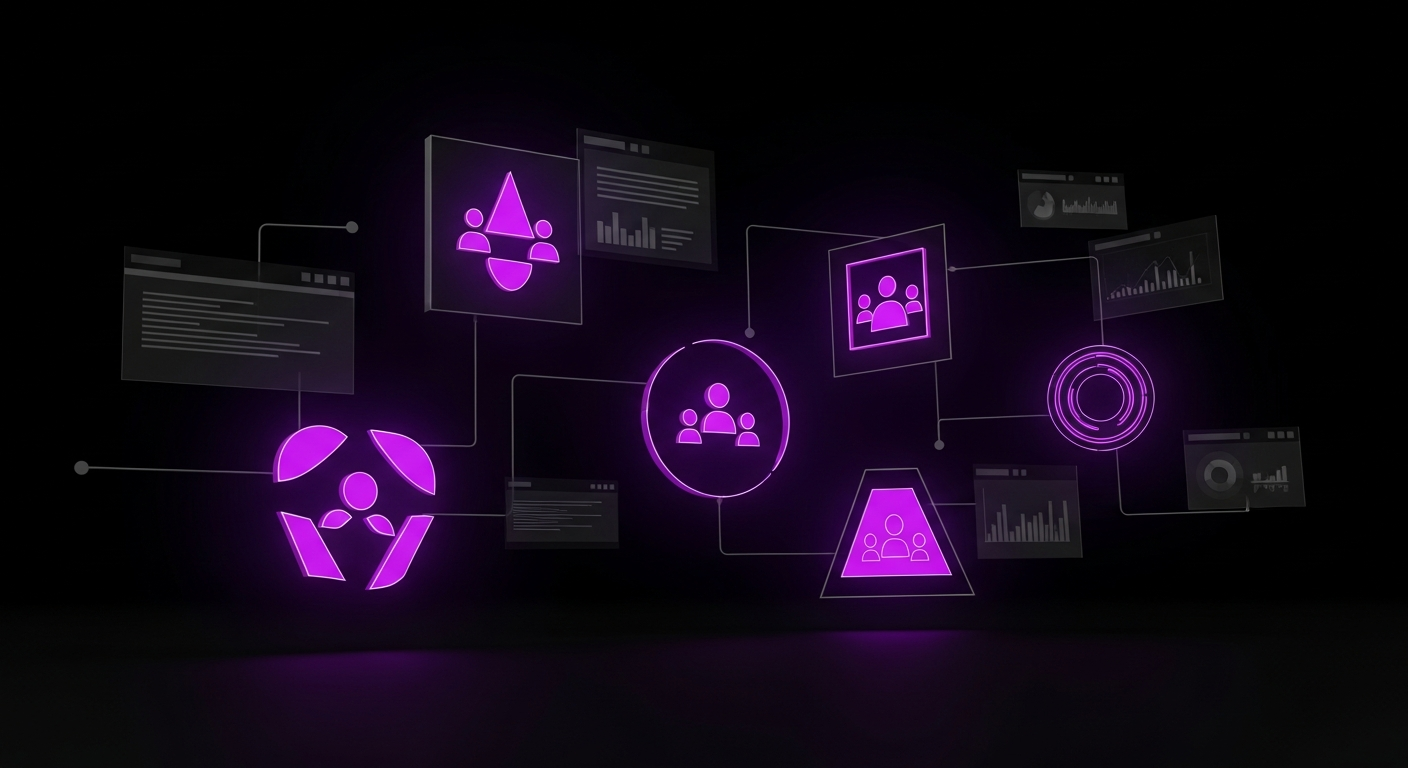
Once you have a steady stream of data, the next step is to make sense of it through audience segmentation. Segmentation is the process of dividing your email list into smaller, more manageable groups (or segments) based on shared characteristics. Instead of sending one message to 10,000 people, you can send ten different, highly targeted messages to 1,000 people each. This is where the magic of personalization truly begins, as it allows you to craft messages that resonate deeply with each specific group.
The goal of segmentation is to group subscribers who are likely to respond similarly to a particular marketing message. A well-defined segment is both identifiable and actionable, meaning you can clearly define its members and have a specific strategy to engage them. The most effective strategies often combine multiple types of data to create nuanced segments.
Demographic segmentation is one of the most straightforward methods, grouping your audience based on objective, statistical information. While it may seem basic, it can be highly effective.
Psychographic segmentation goes beyond *who* your customers are and delves into *why* they buy. This method groups people based on their attitudes, values, interests, and lifestyles. This data is often collected through surveys and quizzes or by analyzing the type of content a user engages with.
For example, a fitness brand could segment its audience into groups like “Yoga Enthusiasts,” “Marathon Runners,” or “Weightlifting Beginners.” Each segment would receive different content, product recommendations, and motivational messages tailored to their specific fitness journey. This approach allows for a much deeper connection because it speaks to the subscriber’s personal identity and aspirations.
Behavioral segmentation is arguably the most powerful type for driving conversions because it groups subscribers based on their direct interactions with your brand. Since it relies on concrete actions, it is a highly reliable indicator of intent and interest.
Common behavioral segments include:
The key is to start simple; you do not need dozens of complex segments to be effective. Begin by identifying 3-5 key customer segments that represent the most significant opportunities for your business. For a fictional online bookstore, these might be:
By defining these core groups, you can begin to build targeted strategies, content, and automation workflows for each, ensuring every message has a clear purpose and a receptive audience.
With your data collected and your audience segmented, it’s time to create the personalized content that will capture their attention. This is where your strategy becomes visible to the customer. The goal is to use the data you’ve gathered to make every element of your email feel like it was crafted specifically for the recipient. From the moment it appears in their inbox to the final call-to-action, the experience should be seamless, relevant, and valuable.
Modern email marketing platforms provide powerful tools that make content personalization scalable. Instead of manually creating dozens of email versions, you can use a single template and leverage technology to dynamically change content based on the recipient’s segment. This approach allows you to deliver a one-to-one feel with one-to-many efficiency.
The subject line is your first and most important opportunity to make an impression. A personalized subject line can dramatically increase open rates by signaling that the content inside is relevant. This goes beyond simply using a recipient’s first name.
Effective subject line personalization can include:
The preheader, the short snippet of text visible after the subject line in most email clients, is equally important. Use it to supplement the subject line and provide another layer of personalization, such as, “Don’t miss out on these new running shoes!”
Dynamic content is a game-changer for email personalization. It allows you to show different content blocks—such as images, text, or buttons—to different subscribers within the same email campaign, based on the segment to which they belong.
For example, a pet supply store could send a single weekly newsletter that:
This ensures that each recipient sees the most relevant promotion without you needing to design and send separate campaigns. You can use dynamic content for promotions, product recommendations, and blog content, making your emails incredibly targeted and efficient.
Generic product recommendations are rarely effective. The best way to drive sales is to recommend products based on a customer’s unique purchase and browsing history. Many e-commerce platforms and email tools have built-in recommendation engines that automatically populate emails with products a specific user is likely to be interested in, mimicking the personalized shopping experience of sites like Amazon and Netflix.
Similarly, your call-to-action (CTA) should be as specific and relevant as possible. Instead of a generic “Shop Now” button, consider personalizing the CTA text based on the subscriber’s segment:
A tailored CTA feels like a logical next step in the customer’s journey and is much more likely to be clicked.

Marketing automation is the engine that powers your personalization strategy at scale. Email automation workflows—also known as drips or sequences—are a series of emails sent automatically to a subscriber based on a specific trigger or timeline. These automated campaigns work for you 24/7, ensuring every subscriber receives timely and relevant communication at critical points in their customer journey. By automating these touchpoints, you can nurture leads, recover sales, and build loyalty without manual intervention.
A well-designed workflow is built around a specific goal. It starts with a trigger (e.g., a new subscription or an abandoned cart) and then guides the user through a series of carefully timed emails. Each email in the sequence should have a clear purpose and build upon the last, creating a cohesive and persuasive narrative.
The welcome series is your first opportunity to engage a new subscriber and is one of the most important workflows you can create. Subscribers are most engaged right after they sign up, and a strong welcome series can set the tone for the entire relationship. A series of 3-5 emails sent over a week can be much more effective than a single welcome message.
On average, nearly 70% of online shopping carts are abandoned. An automated abandoned cart workflow is one of the most direct ways to recover this lost revenue. This workflow is triggered when a user adds items to their cart but leaves your site without purchasing.
A typical abandoned cart series includes:
The customer journey does not end at checkout. The post-purchase period is a critical time to build loyalty and turn a one-time buyer into a repeat customer. An automated post-purchase workflow can enhance the customer experience and generate valuable social proof.
This workflow can include:
Over time, some subscribers will stop engaging with your emails. An inactive list can hurt your deliverability and skew your performance metrics. A re-engagement or “win-back” campaign is an automated workflow designed to reactivate these dormant subscribers.
This workflow typically targets subscribers who have not opened or clicked an email in a set period (e.g., 90 or 180 days). The campaign might consist of:
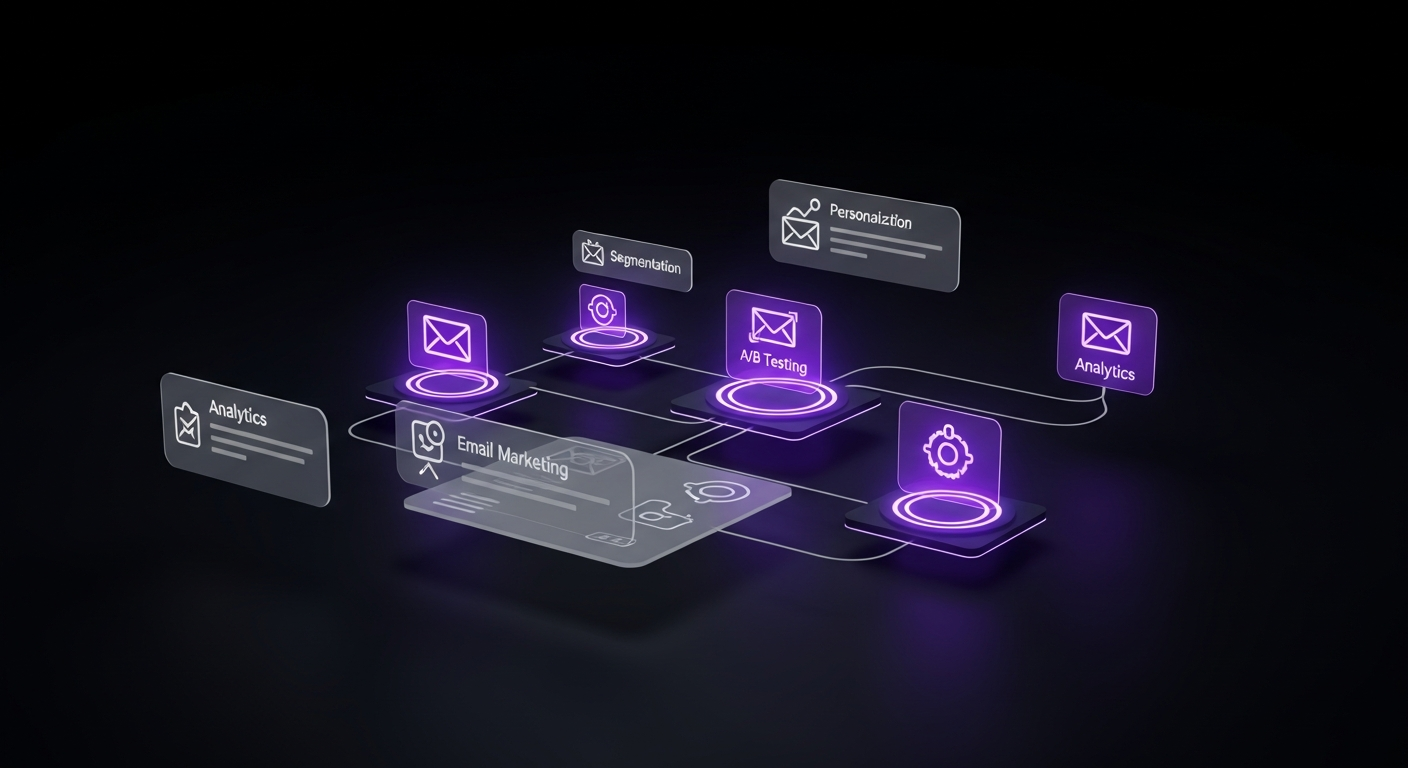
Your ability to execute a sophisticated personalization and automation strategy depends directly on the capabilities of your email marketing platform. The right tool will not only enable these strategies but also make the process efficient and scalable. With hundreds of options available, choosing the right platform can feel overwhelming. The best choice depends on your budget, technical expertise, business size, and specific needs.
When evaluating platforms, it’s crucial to look beyond the price and focus on the features that will empower your marketing efforts. A platform that seems cheap upfront may end up costing more in lost opportunities if it lacks the robust segmentation or automation features you need to grow.
Regardless of your business size, several core features are essential for effective personalized email marketing. When comparing platforms, look for:
For small businesses, startups, and solo entrepreneurs, the ideal platform often balances powerful features with affordability and ease of use. These platforms are designed to help you get started quickly without a steep learning curve.
Larger businesses with complex needs, large customer databases, and dedicated marketing teams often require more advanced solutions. These platforms offer enterprise-grade features, multi-channel capabilities, and extensive customization options.
| Feature | Small Business Tools (e.g., Mailchimp) | Enterprise Solutions (e.g., HubSpot) |
|---|---|---|
| Primary Focus | Email campaigns, basic automation | All-in-one CRM, sales, and marketing |
| Segmentation | List and tag-based | Advanced, dynamic lists based on any CRM property |
| Automation | Linear workflows, basic triggers | Complex branching logic, multi-channel workflows |
| Integrations | Good, primarily via third-party apps | Extensive native integrations, robust API |
| Pricing | Lower entry point, scales with contacts | Higher investment, often based on feature tiers |
| Ease of Use | Very high, designed for beginners | Steeper learning curve, requires more setup |

Launching personalized and automated email campaigns is not the end of the process; it’s the beginning of a continuous cycle of improvement. To ensure your strategy is effective and delivering a positive return on investment (ROI), you must consistently measure performance, test assumptions, and use the resulting data to optimize your approach. The insights you gain from analytics will help you refine your segments, improve your content, and make your automation workflows even more effective over time.
Optimization is an ongoing effort, not a one-time task. By fostering a culture of testing and data-driven decision-making, you can turn your email marketing program into a finely tuned engine for growth. Every email you send is an opportunity to learn more about your audience and improve your communication.
To understand what’s working, you need to track the right key performance indicators (KPIs). While your email platform’s dashboard will be filled with data, focus on the metrics most closely tied to your business goals.
A/B testing (or split testing) is the process of sending two variations of an email to a small portion of your audience to see which performs better. The winning version is then sent to the rest of the list. This scientific approach removes guesswork and allows you to make incremental improvements based on real data.
When testing, it’s critical to change only one variable at a time so you can accurately attribute any change in performance. Elements to test include:
The data you collect from your campaigns should create a feedback loop that informs your future strategy. Analyze the performance of your emails on a per-segment basis. Are certain segments more engaged than others? Do your VIP customers respond better to exclusive offers, while new subscribers respond to educational content?
Use these insights to refine your approach. If a segment is underperforming, perhaps its defining criteria are too broad, or the content is not resonating. You might need to split it into smaller, more targeted micro-segments. If you discover that users who view a certain product category have a very high conversion rate, you can create a new, dedicated automation workflow for them. Your analytics are a roadmap; use them to guide your personalization efforts and continuously improve the relevance of your email marketing.

Once you’ve mastered the fundamentals of data collection, segmentation, and automation, you can explore more advanced techniques that push the boundaries of personalization. These cutting-edge strategies leverage artificial intelligence, real-time data, and multi-channel integration to create truly one-to-one customer experiences that can significantly differentiate your brand.
While these methods may require more advanced tools and technical resources, they represent the future of email marketing. Understanding these concepts will help you stay ahead of the curve and plan the next evolution of your personalization strategy.
Predictive personalization uses artificial intelligence (AI) and machine learning algorithms to analyze vast amounts of customer data and predict future behavior. Instead of personalizing based on what a customer has done, you can personalize based on what they are likely to do next.
AI-powered tools can:
Hyper-personalization takes personalization a step further by using real-time data to trigger and customize communications instantly. It’s about reacting to customer behavior the moment it happens, creating an experience that feels incredibly responsive and context-aware.
Examples of hyper-personalization include:
Your customers interact with you on more channels than just email. A truly advanced strategy creates a cohesive, personalized experience across multiple platforms. By integrating your email marketing platform with other communication channels like SMS and web push notifications, you can create powerful, multi-channel automated workflows.
For example, an abandoned cart workflow could start with an email, but if it is not opened within 24 hours, it could trigger a follow-up SMS message with a direct link to the cart. For a time-sensitive flash sale, you could send an email announcement and simultaneously send a push notification to your app users to maximize reach and urgency. This omnichannel approach meets customers where they are and ensures your most important messages are seen.

While the benefits of personalized email marketing are immense, the path to implementation has its challenges. As you dive deeper into using customer data, it’s easy to make mistakes that can undermine your efforts, damage customer trust, or even create legal issues. Being aware of these common pitfalls is the first step to avoiding them and ensuring your strategy is both effective and responsible.
A successful personalization strategy is a careful balance between relevance and respect for privacy. By avoiding these common errors, you can build a program that your customers value and trust, leading to long-term success.
There is a fine line between being helpful and being invasive. Using too much personal data, or using it in a way that feels intrusive, can backfire and alienate your audience. For example, a subject line like, “Hi John, we noticed you spent 3 minutes and 42 seconds looking at the blue sweater on Tuesday” is likely to make the recipient uncomfortable.
How to Avoid It: Focus on using data to provide value, not just to show you have it. Personalize based on broader interests and demonstrated intent (like an abandoned cart) rather than minute-by-minute behavioral tracking. Always ask yourself: “Does this personalization make the customer’s experience better and easier?” If the answer is no, scale it back.
Data privacy is not just a best practice; it’s a legal requirement. Regulations like the General Data Protection Regulation (GDPR) in Europe and the California Consumer Privacy Act (CCPA) give consumers significant rights over their personal data. Failing to comply can result in hefty fines and severe damage to your brand’s reputation.
How to Avoid It:
The principle of “garbage in, garbage out” applies directly to email personalization. If your data is inaccurate or outdated, your personalization will be ineffective at best and embarrassing at worst. Sending an email with the wrong name, recommending products they already bought, or sending location-specific offers to someone who has moved can quickly erode customer trust.
How to Avoid It: Implement a data hygiene strategy. Regularly clean your email list to remove inactive or invalid addresses. Use integrations to ensure data is synced and updated across your platforms in real time. Periodically prompt users to update their information in your preference center to ensure the data you have is still relevant. A clean, accurate database is the foundation of any successful personalization strategy.
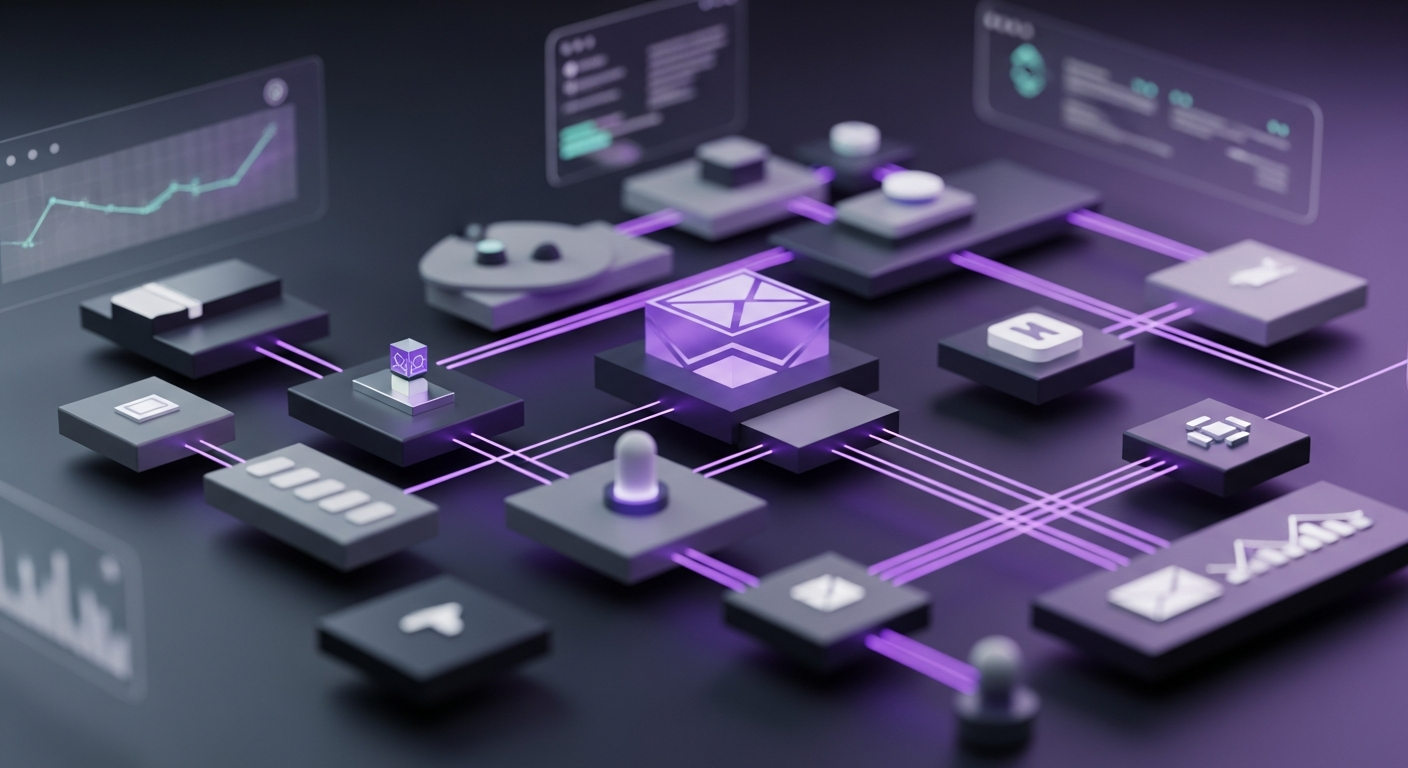
Let’s walk through a hypothetical example to see how these steps come together. Our example is an online store called “ActiveWear Pro” that sells athletic apparel.
Step 1: Data Collection
A new visitor, Sarah, lands on the ActiveWear Pro website. A pop-up offers her 15% off her first order for her email address. The form also has an optional field where she can indicate her primary fitness interest. Sarah enters her email and selects “Running.”
Step 2: Segmentation
Sarah is automatically added to the email list and placed into two segments: “New Subscribers” and “Interests: Running.”
Step 3: Automated Welcome Series
Sarah immediately receives the first email in a personalized welcome series. The subject line is “Welcome to ActiveWear Pro! Here’s 15% Off.” The email content features dynamic blocks showcasing best-selling running shoes and apparel, based on the interest she selected.
Step 4: Behavioral Tracking & Triggered Email
A few days later, Sarah returns to the site. She browses a specific pair of “Vapor Run 2.0” running shoes but leaves without adding them to her cart. This behavior is tracked. Three hours later, an automated “abandoned browse” email is triggered. The subject line is “Still thinking about the Vapor Run 2.0?” and the email features the exact shoes she was viewing, along with customer reviews and a link to the product page.
Step 5: Purchase and Re-segmentation
The reminder email works. Sarah clicks through and purchases the shoes using her 15% welcome coupon. Upon purchase, the system automatically moves her from the “New Subscribers” segment to the “First-Time Customers” and “Customers: Running Shoes” segments.
Step 6: Post-Purchase Follow-up
Immediately after her purchase, she receives a branded order confirmation. Three days later, she gets a shipping confirmation. One week after the shoes are delivered, an automated email is sent with the subject line “How are your new Vapor Run 2.0s?” This email includes a link to a blog post on “5 Stretches for Runners” and asks her to leave a product review.
This seamless workflow, powered by data and automation, guided Sarah from a new visitor to a satisfied customer, delivering relevant and timely messages at every stage of her journey.
Segmentation and personalization are closely related but distinct concepts. Segmentation is the act of dividing your audience into groups based on shared characteristics (e.g., location, purchase history). Personalization is the practice of using data from those segments to tailor email content to be more relevant. In short, segmentation is how you group your audience; personalization is how you speak to those groups.
The key is transparency and consent. Be upfront in your privacy policy about what data you collect and why. Use opt-in forms where users explicitly agree to receive emails. Provide a preference center where users can control the data they share and the communications they receive. Always comply with regulations like GDPR and CCPA, which mandate clear consent and easy access for users to manage their data.
Some of the most effective examples include: abandoned cart emails showing the specific products left behind; welcome series tailored to a user’s stated interests; birthday emails with a special discount; post-purchase emails recommending complementary products; and re-engagement campaigns that offer a unique incentive to inactive subscribers based on their past purchase history.
Absolutely. Modern email marketing platforms like Mailchimp, ConvertKit, and ActiveCampaign have made these powerful tools accessible and affordable for small businesses. While you may not start with advanced AI-driven personalization, you can easily implement fundamental strategies like a welcome series, abandoned cart recovery, and basic behavioral segmentation, which can have a significant impact on revenue and customer loyalty.
To measure ROI, track the revenue generated from your email campaigns against the cost of your email marketing platform and the resources spent creating them. Most integrated e-commerce and email platforms can track conversions directly. The formula is: (Revenue from Email – Cost of Email Program) / Cost of Email Program. You can also measure ROI through improved customer lifetime value (CLV) and higher engagement metrics, which are leading indicators of long-term profitability.
For a true beginner, Mailchimp is often recommended due to its highly intuitive user interface and excellent onboarding. It allows you to get started with basic campaigns and automations quickly. ConvertKit is another great option, especially for creators, as it simplifies the process of tagging and segmenting subscribers. As your needs grow, you can explore more powerful options, but these platforms provide a solid and accessible starting point.