








Marketing Process Automation: How to Design and Implement Efficient Workflows
In today’s digital landscape, marketing teams face constant pressure to deliver more with fewer resources. They must generate high-quality leads, nurture them effectively, and prove a tangible return on investment (ROI), all while managing numerous channels. The manual effort required to execute these tasks at scale is immense and prone to error. Marketing process automation addresses this challenge by transforming disjointed tasks into a cohesive, intelligent, and scalable system. It is no longer a luxury for large enterprises; it is a fundamental necessity for any business seeking sustainable growth.
This guide provides a comprehensive walkthrough for designing and implementing efficient marketing automation workflows. We will cover everything from foundational strategy and auditing your current processes to choosing the right tools, building your first campaigns, and measuring success. Whether you are just beginning to explore automation or looking to refine an existing strategy, you will find actionable insights and practical steps to streamline your marketing, enhance personalization, and drive significant results. By the end, you will understand how to build an automated engine that works 24/7, allowing your team to focus on what they do best: strategy, creativity, and building meaningful customer relationships.
What Is Marketing Process Automation?
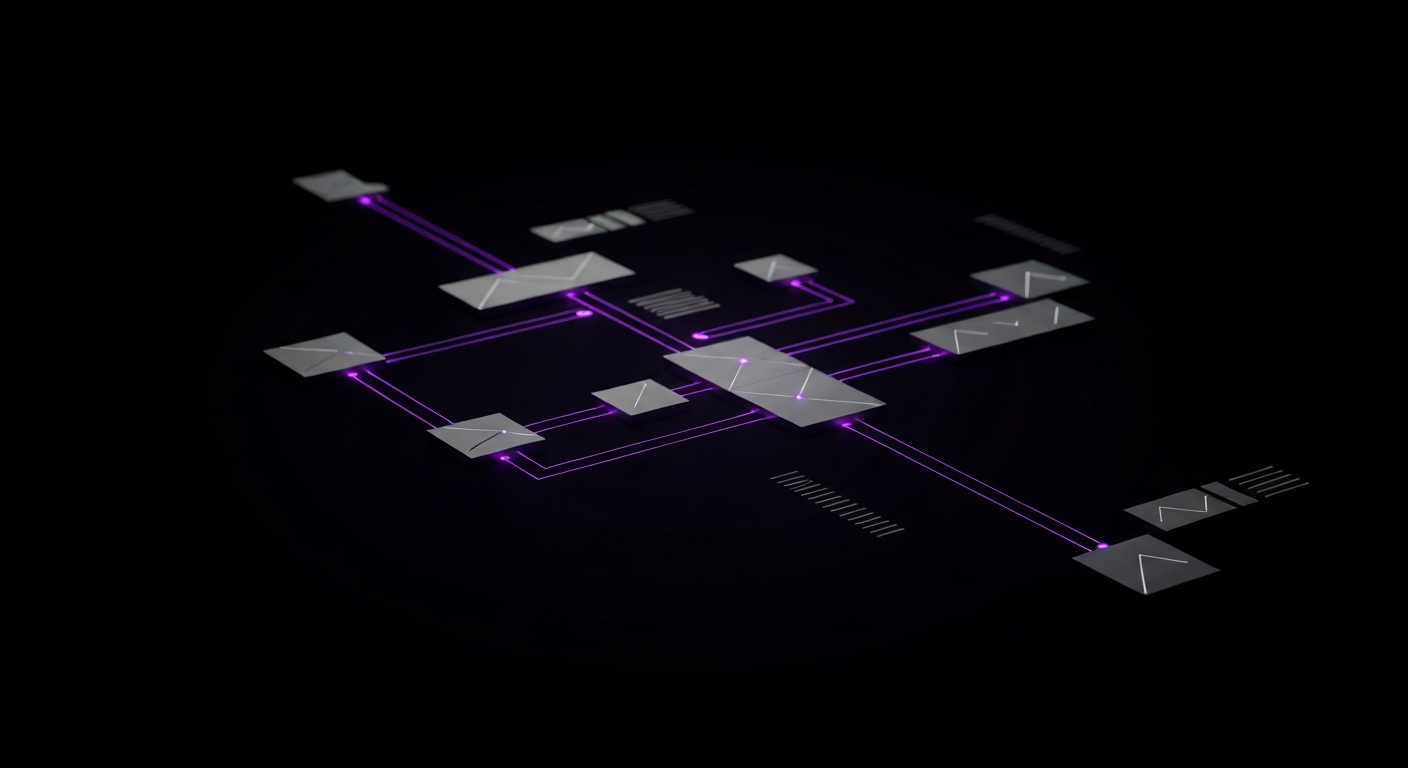
Marketing process automation refers to using software and technology to orchestrate and automate multi-step marketing workflows across various channels. It moves beyond automating a single task to create an intelligent, interconnected system that guides a prospect or customer through a predefined journey based on their behavior, attributes, and engagement. This system operates on rules, logic, and data, allowing marketers to deliver personalized experiences at a scale that would be impossible to manage manually. At its core, it automates the entire process, from initial lead capture to long-term customer retention.
The goal is not to replace marketers but to empower them. By handling the repetitive, time-consuming aspects of campaign management, data segmentation, and lead nurturing, automation frees up valuable time for strategic thinking, content creation, and performance analysis. It establishes a framework where every action a lead takes can trigger a relevant, timely, and personalized reaction from your brand, building a stronger, more effective marketing and sales funnel.
Defining Marketing Process Automation vs. Task Automation
It is crucial to distinguish between process automation and simple task automation, as their scope and impact differ significantly. Task automation focuses on executing a single, discrete action. For example, scheduling a social media post or automatically sending a purchase receipt are forms of task automation. These tools are designed to make individual jobs easier and faster.
Marketing process automation, on the other hand, manages an entire sequence of tasks and decisions to create a complete workflow. It connects multiple actions using logic and data. For instance, a process automation workflow might look like this:
- A user downloads an ebook (Trigger).
- The system automatically adds the user to a specific email list and tags them based on the ebook’s topic (Actions 1 & 2).
- It sends a thank-you email with a link to the ebook (Action 3).
- Two days later, it sends a follow-up email with a related blog post (Action 4, based on a time delay).
- If the user clicks the link in the second email, their lead score increases, and they are enrolled in a more targeted nurturing sequence (Action 5, based on a behavioral trigger).
This example illustrates how process automation orchestrates a journey that reacts to user behavior over time, whereas task automation would only handle one piece of that puzzle, like sending the initial email.
Why It’s a Cornerstone of Modern Digital Marketing
In the modern marketing era, consumers expect personalized and relevant communication. Generic, one-size-fits-all campaigns are no longer effective. Marketing process automation is a cornerstone of modern strategy because it provides the mechanism to deliver this personalization at scale. It allows brands to maintain a consistent and contextually relevant conversation with thousands or even millions of individuals simultaneously. This capability directly impacts lead quality, conversion rates, and customer loyalty.
Furthermore, automation bridges the critical gap between marketing and sales. By automating lead scoring and qualification, marketing can deliver sales-ready leads to the CRM system with a complete history of their interactions. This alignment ensures that the sales team focuses its efforts on the most engaged prospects, increasing efficiency and closing more deals. Without automation, this level of coordination is difficult to achieve, often leading to missed opportunities and a disjointed customer experience.
Core Components of an Automated System
A successful marketing process automation system is built on three fundamental components that work in harmony:
- The Technology Platform: This is the marketing automation software itself. It serves as the central hub for creating workflows, managing contact data, executing campaigns, and reporting on performance. This platform must integrate with other key systems in your martech stack, such as your Customer Relationship Management (CRM) and Content Management System (CMS).
- The Data: High-quality, accessible data is the fuel for any automation engine. This includes demographic information, firmographic data, and, most importantly, behavioral data like website visits, email clicks, and content downloads. Clean, well-organized data is essential for effective segmentation, personalization, and accurate triggers.
- The Strategy: Technology and data are ineffective without a clear strategy. This component involves defining your goals, mapping the customer journey, creating content for each stage, and designing the logic for your workflows. The strategy dictates what you automate, why you automate it, and how you will measure its success.
The Transformative Benefits of Automating Marketing Workflows

Implementing marketing process automation is more than a technological upgrade; it is a strategic shift that can fundamentally reshape how a marketing department operates and contributes to business growth. The benefits extend far beyond time savings, impacting everything from operational efficiency and lead quality to data accuracy and customer retention. By automating complex workflows, businesses can build a more resilient, scalable, and effective marketing engine.
Increasing Efficiency and Reducing Manual Errors
One of the most immediate benefits of automation is a dramatic increase in operational efficiency. Repetitive tasks such as sending follow-up emails, segmenting lists, assigning leads, and posting to social media can consume a significant portion of a marketer’s day. Automating these workflows frees up the team to focus on higher-value activities like strategy, content creation, and campaign analysis. This shift not only boosts productivity but also improves employee morale by eliminating tedious work.
Moreover, manual processes are inherently prone to human error. A forgotten follow-up, a mistyped email address, or an incorrectly segmented list can lead to lost opportunities and a poor customer experience. Automation executes predefined rules with perfect consistency, 24/7. This reliability ensures that no lead falls through the cracks and that every customer interaction is timely and accurate, maintaining brand integrity and maximizing the potential of every lead.
Enhancing Lead Nurturing and Personalization at Scale
Effective lead nurturing involves delivering the right message to the right person at the right time. Performing this task manually for more than a handful of leads is impossible. Marketing automation makes this level of personalization achievable at scale. By using triggers based on user behavior, you can create dynamic nurturing sequences that adapt to each individual’s journey. For example, if a lead visits your pricing page after reading a blog post, the system can automatically send them an email with a case study or a demo offer.
This tailored approach builds trust and guides prospects through the sales funnel more effectively than generic email blasts. It ensures that leads receive relevant content addressing their specific pain points and interests, keeping your brand top-of-mind and moving them closer to a purchase decision without aggressive sales tactics.
Improving Data Collection and Campaign Measurement
An integrated marketing automation platform serves as a central repository for customer interaction data. It tracks every email open, link click, page view, and form submission, creating a comprehensive digital footprint for each contact. This unified view of customer behavior is invaluable for understanding what works and what does not.
This rich dataset allows for more sophisticated campaign measurement and reporting. Instead of relying on siloed metrics from different channels, you can track a lead’s entire journey from their first touchpoint to becoming a customer. This makes it possible to accurately attribute revenue to specific marketing campaigns and calculate a true ROI. With clear Key Performance Indicators (KPIs) and detailed analytics, marketers can make data-driven decisions to continuously optimize their strategies.
Phase 1: Auditing and Preparing for Automation
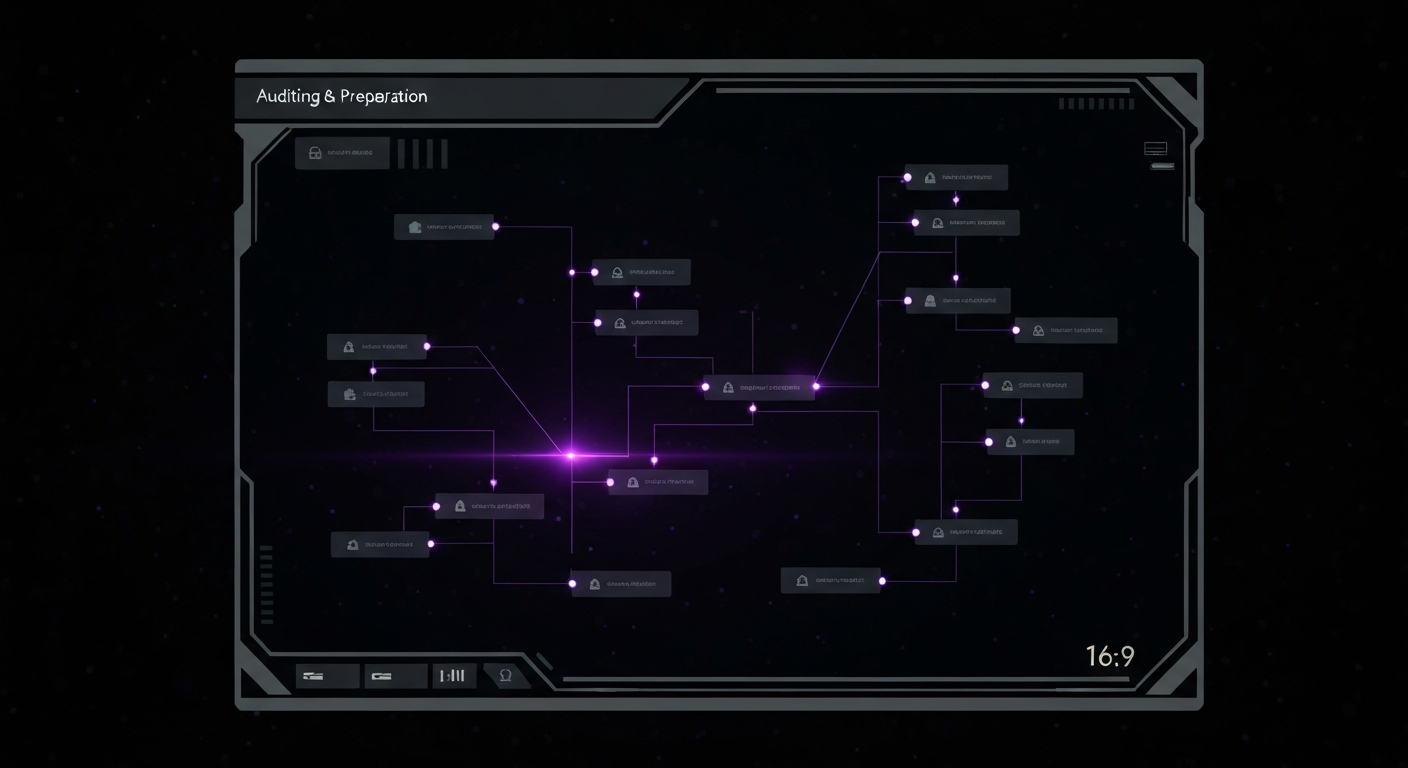
Before building powerful automated workflows, you must lay a solid foundation. Jumping directly into a software platform without a clear plan often leads to wasted resources and disappointing results. This preparatory phase is about understanding your current state, identifying opportunities, and defining what success will look like. This strategic groundwork ensures that your automation efforts are targeted, purposeful, and aligned with your broader business objectives.
Identifying Repetitive Tasks and Bottlenecks
The first step is to conduct a thorough audit of your team’s daily, weekly, and monthly activities to pinpoint tasks that are manual, repetitive, and time-consuming. These are prime candidates for automation. Sit down with your marketing and sales teams to map out their processes.
Look for activities such as:
- Manually uploading and segmenting new lead lists.
- Sending individual welcome emails to new subscribers.
- Following up with leads who have gone cold.
- Assigning leads to sales representatives based on territory or industry.
- Compiling data from multiple sources for weekly reports.
Also, identify bottlenecks in your process. Where do leads get stuck? Where do handoffs between marketing and sales break down? These friction points often represent the most significant opportunities for improvement. For example, a slow lead assignment process is a major bottleneck that automation can solve instantly.
Mapping Your Current Marketing and Sales Funnels
You cannot automate a journey you do not understand. The next critical step is to visually map your entire customer lifecycle, from initial awareness to loyal advocacy. This involves detailing every stage of your marketing and sales funnel—Awareness, Consideration, Decision, Retention, and Advocacy.
For each stage, document the key touchpoints, the content you use, and the actions you want users to take. For example, in the Awareness stage, touchpoints might include blog posts and social media ads. In the Consideration stage, they might be webinars and case studies. This map will serve as the blueprint for your automated workflows, helping you identify where to insert automated communications to guide prospects smoothly from one stage to the next.
Setting Clear, Measurable Automation Goals (SMART)
With a clear understanding of what to automate and the journey you want to create, the final preparatory step is to set concrete goals. Vague objectives like “improve lead nurturing” are not enough. Use the SMART framework to define your goals:
- Specific: Clearly state what you want to achieve (e.g., “Increase the number of Marketing Qualified Leads (MQLs) passed to the sales team”).
- Measurable: Define the KPI you will use to track progress (e.g., “Increase MQLs from 50 per month to 75 per month”).
- Achievable: Ensure the goal is realistic given your resources and timeline (e.g., A 50% increase is challenging but possible with a new nurturing workflow).
- Relevant: The goal should align with broader business objectives, like increasing revenue.
- Time-bound: Set a clear deadline (e.g., “Achieve this within the next fiscal quarter”).
A well-defined SMART goal might be: “Increase our lead-to-MQL conversion rate by 20% within six months by implementing an automated lead nurturing workflow for all new webinar registrants.” This level of clarity will guide your workflow design and make it easy to measure the success of your automation investment.
Phase 2: Designing Your Automated Marketing Workflows

Once you have completed your audit and set clear goals, it is time to move into the design phase. This is where you translate your strategy into a functional, logical sequence of events within your marketing automation platform. A well-designed workflow is the engine of your automation strategy, working silently in the background to deliver personalized experiences and move leads through your funnel. This process involves four essential steps.
Step 1: Define Triggers and Actions
Every automated workflow begins with a trigger—a specific event or condition that enrolls a contact into the workflow. Triggers can be based on a wide range of data points, providing immense flexibility in how you initiate a sequence.
Common triggers include:
- A user submits a form (e.g., downloading an ebook, signing up for a newsletter).
- A user visits a specific page on your website (e.g., the pricing page).
- A contact is added to a specific list.
- A contact’s property value changes (e.g., their lead score exceeds a certain threshold).
- A set amount of time has passed since their last engagement.
Once a contact is triggered into a workflow, the system performs a series of actions. An action is any task executed by the automation software, such as sending an email, adding a time delay, updating a contact property, adding or removing the contact from a list, notifying a team member, or creating a task in your CRM.
Step 2: Use Logic and Branching for Personalization
The true power of process automation lies in its ability to adapt to individual behavior, which is achieved through logic and branching. Instead of a linear, one-size-fits-all sequence, you can create dynamic paths using “if/then” conditions. This allows the workflow to branch based on whether a contact meets certain criteria.
For example, after sending an initial email, you can add a branch: “If the contact clicked the link to the case study, then send them an invitation for a product demo. If they did not click the link, then send them a follow-up email with a related blog post.” This logic ensures that each contact receives communication that is directly relevant to their interest level and previous actions, dramatically increasing engagement.
Step 3: Visualize the Workflow from Start to Finish
Most modern marketing automation platforms feature a visual workflow builder, allowing you to drag and drop triggers, actions, and logic branches onto a canvas. This visualization is critical for both designing and troubleshooting your workflows. It helps you see the complete customer journey at a glance, ensuring that all paths are logical and that there are no dead ends.
Before building in the software, it is often helpful to sketch the workflow on a whiteboard or with a diagramming tool. Map out the entry point (trigger), each decision point (branch), and the desired outcomes. This high-level view helps you identify potential complexities or gaps in your logic before you get bogged down in the platform’s technical details.
Step 4: Establish Rules for Lead Scoring and Segmentation
Lead scoring and segmentation are critical components of a sophisticated automation strategy. Lead scoring is the process of assigning points to leads based on their attributes (e.g., job title, company size) and behaviors (e.g., opening an email, visiting the pricing page). This numerical score helps you identify the most engaged and sales-ready prospects.
Within your workflow design, you should incorporate actions that modify a contact’s lead score. For instance, a contact who downloads a bottom-of-funnel asset like a pricing guide should receive more points than someone who downloads a top-of-funnel ebook. You can then set a trigger that automatically notifies a sales rep or moves the lead to a “sales-ready” list once their score crosses a predefined threshold. This ensures that sales spends its time on the most promising leads, perfectly aligning marketing and sales efforts.
Choosing the Right Marketing Automation Platform
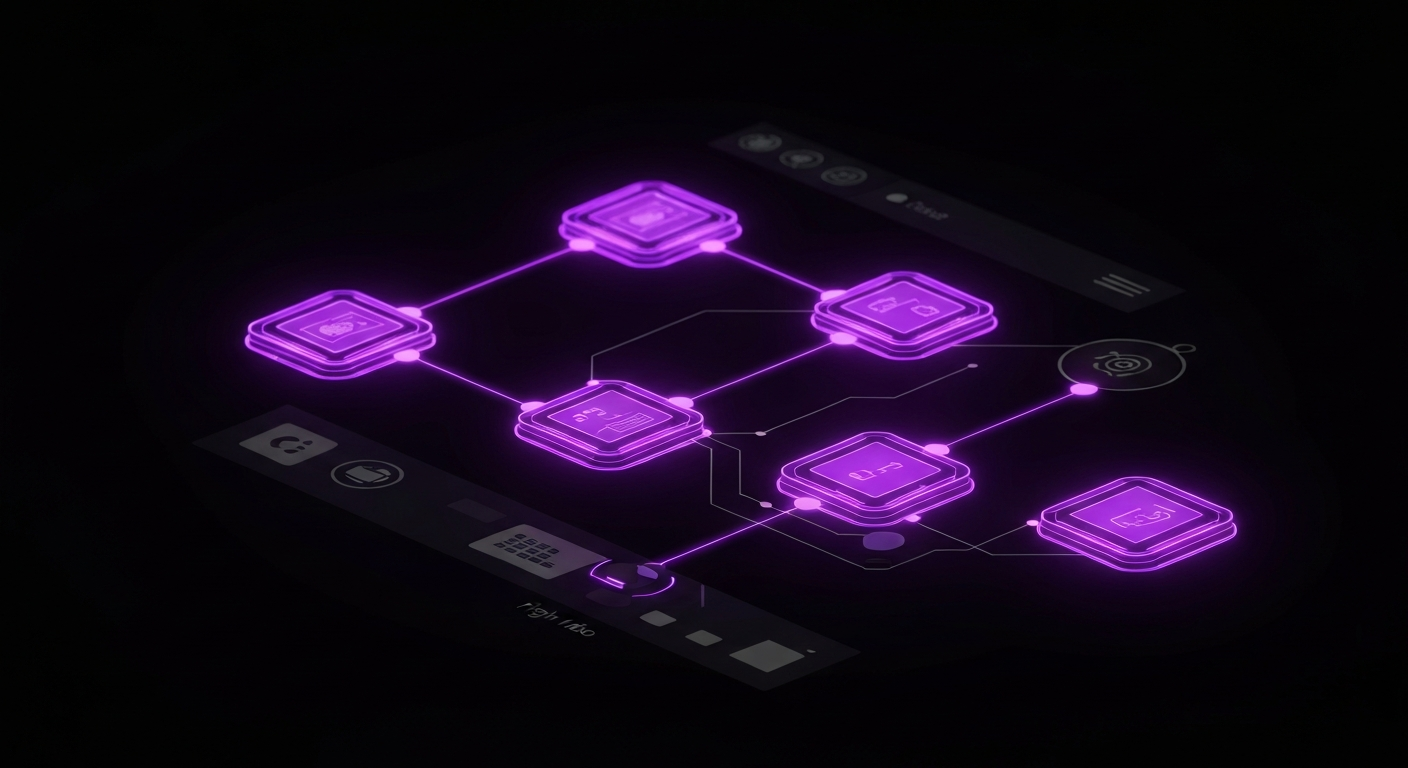
Selecting the right technology is a critical decision that will impact the success of your entire automation strategy. The market is filled with a vast array of marketing automation tools, each with its own strengths, weaknesses, and pricing models. The best platform for your business depends on your specific needs, budget, technical resources, and existing martech stack. Making an informed choice requires a careful evaluation of features, integrations, and architecture.
Key Features to Look For in Automation Software
While every platform is different, several core features are essential for executing a comprehensive marketing automation strategy. When evaluating potential vendors, look for the following capabilities:
- Visual Workflow Builder: An intuitive, drag-and-drop interface for designing and managing complex automation sequences with branching logic.
- Email Marketing: Robust tools for creating, sending, and tracking email campaigns, including A/B testing, personalization, and detailed analytics.
- Lead Management: Features for lead scoring, grading, and segmentation to help you identify and prioritize the most qualified leads.
- Forms and Landing Pages: The ability to create and host custom forms and landing pages to capture lead information directly within the platform.
- CRM Integration: Seamless, bi-directional synchronization with your Customer Relationship Management (CRM) system to ensure data consistency between marketing and sales.
- Reporting and Analytics: Comprehensive dashboards and reporting tools to measure campaign performance, track KPIs, and demonstrate ROI.
- Behavioral Tracking: The ability to track user activity on your website and within your app to trigger personalized workflows.
Comparing All-in-One Suites vs. Best-of-Breed Tools
When choosing a platform, you will generally encounter two main philosophies: all-in-one suites and best-of-breed tools. Each approach has advantages and disadvantages, and the right choice depends on your organization’s structure and priorities.
| Aspect | All-in-One Suites (e.g., HubSpot, Marketo) | Best-of-Breed Tools (e.g., Mailchimp + Zapier + Unbounce) |
|---|---|---|
| Functionality | Offers a wide range of integrated tools (email, CRM, CMS, social) in a single platform. | Focuses on excelling at one specific function (e.g., email marketing, landing pages). |
| Integration | Seamless integration between its own tools, but can be less flexible with third-party software. | Relies heavily on third-party integrations (via APIs or tools like Zapier) to connect different systems. |
| Ease of Use | Generally easier to manage with a single vendor, one bill, and a unified user interface. | Can be more complex, requiring management of multiple vendors, logins, and data syncs. |
| Cost | Often a higher upfront cost, but can be more cost-effective than buying multiple individual tools. | Can start with lower costs, but expenses can add up as you add more specialized tools. |
| Flexibility | Less flexible; you are locked into the features and limitations of the suite. | Highly flexible; you can swap out individual tools as your needs change or better options emerge. |
Integration Capabilities with Your Existing Martech Stack (CRM, CMS, etc.)
No marketing automation platform exists in a vacuum. Its value is magnified by how well it connects with the other critical systems in your marketing technology (martech) stack. The most important integration is with your CRM. A deep, bi-directional sync ensures that both marketing and sales have a complete, up-to-the-minute view of every lead and customer. When a salesperson updates a contact record in the CRM, that information should flow back to the marketing automation platform, and vice versa.
Beyond the CRM, consider other essential integrations. Does the platform connect with your Content Management System (CMS) like WordPress for easy form embedding and website tracking? Does it have native integrations with your webinar platform, e-commerce store, or advertising channels? Look for platforms that offer a robust library of pre-built integrations and a well-documented API (Application Programming Interface). A strong API allows your development team to build custom connections to any other software you use, ensuring your automation engine can access all the data it needs to be effective.
Phase 3: Implementing Your First Automated Campaign

With a strategy in place and a platform selected, it is time to transition from theory to practice. Implementing your first automated campaign is a significant milestone. It is best to start with a straightforward yet high-impact workflow to build momentum and gain experience. A welcome email series for new subscribers is an ideal first project because it is relatively simple to design, addresses a critical touchpoint in the customer journey, and provides clear metrics for success.
A Practical Walkthrough: Building a Welcome Email Series
A welcome series is your first opportunity to make a great impression, set expectations, and begin nurturing a new lead. Here is a step-by-step guide to building a simple but effective three-email welcome workflow.
- Define the Trigger: The workflow should begin immediately after a contact subscribes to your newsletter or creates an account. The trigger will be “Contact submits the ‘Newsletter Signup’ form.”
- Email 1 (Sent Immediately): The first action is to send the initial welcome email. This email should confirm their subscription, thank them for joining, and deliver any promised lead magnet (like an ebook or discount code). The goal is to provide immediate value.
- Add a Time Delay: You do not want to bombard the new subscriber. The next action should be a time delay. A delay of two to three days is a good starting point.
- Email 2 (Sent after Delay): This email should focus on education and engagement. You could introduce them to your most popular blog content, share a customer success story, or invite them to follow you on social media. The goal is to build trust and showcase your brand’s personality.
- Add Another Time Delay: Add another delay of three to four days.
- Email 3 (Sent after Delay): The final email in this simple series can introduce a soft call-to-action (CTA). This could be an invitation to a webinar, a link to explore your product features, or a prompt to reply with their biggest challenge. The goal is to encourage the next step in their journey.
- Define the Goal: The workflow is complete when the contact finishes the series. You can also set a conversion goal, such as “Contact clicks the webinar registration link,” which would automatically pull them out of the welcome series and into a new, more specific workflow.
Setting Up Data Syncs and API Connections
For your workflow to function correctly, the underlying data connections must be solid. The most critical connection is between your marketing automation platform and your CRM. During setup, you will need to map the fields between the two systems. For example, you will specify that the “First Name” field in your automation platform corresponds to the “First Name” field in your CRM’s contact record. This ensures that when a new lead is created via a form, all their information is passed accurately to the sales team.
If you use other tools, you may need to configure API integrations. For instance, connecting your webinar platform via its API allows you to automatically register attendees for a nurturing sequence. While many platforms offer native, click-to-connect integrations, some may require assistance from a developer. Ensure these connections are established and passing data correctly before you launch your campaign.
Testing Your Workflow Before Launch
Never launch an automated workflow without thorough testing. A small error in logic or a broken link can create a poor experience for hundreds or thousands of contacts. The testing process should be meticulous and cover every possible scenario.
Follow these steps to test your workflow:
- Internal Testing: Create a test list with internal email addresses from your team. Run these test contacts through the entire workflow from start to finish.
- Check All Elements: Verify that every email is delivered, all personalization tokens (like `[First Name]`) populate correctly, all links are working, and images are loading properly.
- Test the Logic: If your workflow has branching logic, test every path. For example, in a workflow with a click-based branch, have one test user click the link and another not click it. Confirm that each user is sent down the correct path.
- Verify Data Syncs: After a test contact completes the workflow, check your CRM and any other integrated systems to ensure that their data, status, and lead score have been updated correctly.
Only after you have confirmed that every component of the workflow is functioning as expected should you activate it for your live audience.
Powerful Examples of Marketing Process Automation in Action

Once you have mastered a basic welcome series, you can expand your automation strategy to cover the entire customer lifecycle. The principles of triggers, actions, and logic can be applied to countless scenarios to drive engagement, conversions, and retention. Here are some powerful examples of marketing process automation workflows that successful businesses use every day.
Automated Lead Nurturing Sequences
Lead nurturing is the heart of marketing automation. These workflows are designed to educate and build trust with prospects who are not yet ready to buy. A common approach is to create different nurturing tracks based on a lead’s initial interest or behavior.
Example Workflow:
- Trigger: A user downloads an “Introductory Guide to SEO.”
- Action: The user is added to the “SEO Interest” segment.
- Sequence: Over several weeks, the workflow sends a series of educational emails: a link to a blog post on keyword research, an invitation to a webinar on link building, and a case study of a client who improved their search rankings.
- Logic: If the user registers for the webinar, they are moved from the general nurturing track to a more sales-focused sequence about your SEO services.
Customer Onboarding and Retention Workflows
Automation is not just for acquiring new customers; it is also incredibly powerful for keeping the ones you have. An automated onboarding sequence can help new customers get the most value from your product or service, reducing churn and increasing satisfaction.
Example Workflow:
- Trigger: A new customer signs up for your SaaS product.
- Action: An onboarding email series begins.
- Sequence: The first email welcomes them and provides login details. Subsequent emails highlight key features, link to tutorial videos, and offer tips for getting started.
- Logic: The system can track in-app behavior. If a user has not activated a critical feature within seven days, the workflow can trigger a targeted email explaining the feature’s benefits or notify a customer success manager to reach out personally.
Automating Social Media Scheduling and Reporting
While often seen as task automation, social media can be integrated into broader process automation workflows. This allows you to coordinate your social media activity with other marketing campaigns for a more cohesive message.
Example Workflow:
- Trigger: A new blog post is published on your website’s RSS feed.
- Action: The automation tool automatically creates and schedules a series of social media posts to promote the new article across LinkedIn, Twitter, and Facebook over the next week.
- Integration: If a known lead in your database clicks a link in one of these social posts, their lead score can be increased, and they can be enrolled in a follow-up email sequence related to the blog post’s topic.
Dynamic Content Personalization on Websites
Advanced marketing automation platforms can extend beyond email to personalize the user’s experience on your website. Using data stored on the contact record, you can dynamically change the content a visitor sees.
Example Workflow:
- Data: Your automation platform knows a visitor is from the healthcare industry and has previously shown interest in HIPAA compliance content.
- Trigger: The visitor lands on your homepage.
- Action: Instead of showing a generic headline, the website dynamically displays a headline like, “The Secure Cloud Solution for Healthcare Providers.” The customer testimonials and case studies shown on the page are also automatically swapped to feature other healthcare clients. This level of personalization makes the visitor feel understood and significantly increases the likelihood of conversion.
Common Pitfalls to Avoid in Marketing Automation

While marketing process automation offers transformative potential, it is not a magic bullet. A poorly planned or executed strategy can lead to wasted investment, alienated customers, and frustrated teams. To achieve long-term success, it is essential to be aware of the common pitfalls and take proactive steps to avoid them. True mastery of automation lies not just in knowing what to do, but also in understanding what not to do.
The Dangers of Over-Automating and Losing the Human Touch
One of the biggest risks in automation is creating a customer experience that feels robotic and impersonal. The goal of automation is to enable personalization at scale, not to eliminate human interaction. If every communication is automated and generic, customers will disengage. It is crucial to strike a balance. Use automation for repetitive communications and data management, but design workflows to include opportunities for genuine human connection.
For example, instead of an endless automated email sequence, a workflow could trigger a task for a sales representative to make a personal phone call or send a personalized LinkedIn message once a lead reaches a certain engagement threshold. Remember that automation should feel helpful, not intrusive. Always provide clear opt-out options and ensure your automated messages are written in a natural, human voice.
Ignoring Data Hygiene and Its Impact
Your automation system is only as good as the data that fuels it. If your contact database is filled with inaccurate, incomplete, or duplicate information, your automation efforts will be ineffective at best and damaging at worst. Sending an email with an incorrect first name (e.g., “Hello FNAME”) instantly breaks trust. Segmenting based on outdated job titles will lead to irrelevant messaging. This is the principle of “garbage in, garbage out.”
Establish a rigorous process for data hygiene. Regularly clean your lists to remove invalid email addresses. Standardize data entry formats (e.g., using “CA” instead of “California” or “Calif.”) to ensure consistent segmentation. Implement lead validation on your forms to prevent fake or mistyped information from entering your system. A clean database is the foundation of effective personalization and reliable reporting.
Failing to Align Marketing and Sales Processes
Marketing automation is most powerful when it serves as a bridge between marketing and sales. A common pitfall is for the marketing team to implement an automation strategy in a silo, without consulting or collaborating with sales. This leads to misalignment and friction. Marketing might pass over leads that sales considers unqualified, or sales might not follow up on the MQLs that marketing generates.
To avoid this, involve the sales team from the very beginning. Work together to define the criteria for a Marketing Qualified Lead (MQL) and a Sales Qualified Lead (SQL). Collaboratively design the lead scoring model to ensure it reflects attributes that sales values. Create a Service Level Agreement (SLA) that outlines marketing’s commitment to delivering a certain number of MQLs and sales’ commitment to following up on them within a specific timeframe. This shared ownership ensures the entire revenue team is working toward the same goal.
Measuring Success: KPIs for Your Automated Workflows

Implementing marketing automation is not a “set it and forget it” activity. To justify the investment and continuously improve your strategy, you must rigorously track your performance against key metrics. Measuring the success of your automated workflows allows you to understand what is working, identify areas for improvement, and demonstrate the tangible impact of your efforts on the business’s bottom line. The right Key Performance Indicators (KPIs) provide clarity and guide your optimization decisions.
Tracking Conversion Rates and Lead Velocity
Ultimately, the goal of most marketing automation is to drive conversions. It is essential to track conversion rates at every key stage of your funnel. This includes the conversion rate from visitor to lead (e.g., form submission rate), from lead to Marketing Qualified Lead (MQL), and from MQL to customer. By monitoring these rates, you can pinpoint which workflows are effectively moving prospects through the funnel and which may have leaks or bottlenecks.
Another critical metric is lead velocity, which measures the speed at which a lead moves through your sales funnel. An effective automation strategy should decrease the time it takes for a new lead to become a paying customer. By shortening the sales cycle, you increase efficiency and accelerate revenue growth. Tracking lead velocity over time is a powerful indicator of the overall health and effectiveness of your nurturing and qualification processes.
Analyzing Engagement Metrics (Open Rates, CTR)
While high-level conversion metrics are crucial, you also need to monitor the specific engagement metrics of your automated communications. For email workflows, this means keeping a close eye on:
- Open Rates: The percentage of recipients who open your email. This is a good indicator of the effectiveness of your subject lines and brand recognition.
- Click-Through Rate (CTR): The percentage of recipients who click on one or more links in your email. CTR is a key measure of how compelling and relevant your content and call-to-action are.
- Unsubscribe Rates: A high unsubscribe rate can signal that your content is not relevant, your sending frequency is too high, or you are targeting the wrong segment.
Analyzing these metrics for each email within a workflow can help you identify weak links in your sequence. For instance, if Email 3 in your nurturing series has a significantly lower CTR than the others, it is a clear signal that you need to revise its content or offer.
Calculating ROI on Your Automation Investment
To truly prove the value of your marketing automation efforts to stakeholders, you must calculate the return on investment (ROI). This involves comparing the financial gains generated by your automated campaigns to their associated costs. The basic formula is:
ROI = (Gain from Investment – Cost of Investment) / Cost of Investment
The “Cost of Investment” includes subscription fees for your automation software, any implementation or consulting costs, and the time your team spends managing the system. The “Gain from Investment” is the revenue generated from customers influenced by your automated workflows. Most advanced automation platforms with CRM integration offer attribution reporting, which helps connect closed deals back to the specific marketing campaigns that touched the customer on their journey. A positive ROI is the ultimate proof that your automation strategy is not just an expense, but a revenue-generating engine for the business.
Scaling and Optimizing Your Automation Strategy

Launching your first few workflows is just the beginning. The true power of marketing process automation is realized through continuous iteration, optimization, and expansion. A static automation strategy will eventually become stale and less effective. The most successful teams treat automation as an ongoing process of learning and refinement, constantly looking for new ways to improve efficiency, enhance personalization, and cover more of the customer lifecycle.
Using A/B Testing to Refine Workflows
You should never assume that your initial workflow design is the best possible version. A/B testing (or split testing) is a systematic way to improve performance by testing variations of a single element to see which one performs better. Most marketing automation platforms have built-in A/B testing capabilities for emails.
You can test numerous variables within your workflows:
- Subject Lines: Test a question-based subject line vs. a statement-based one.
- Email Copy: Test a short, concise email against a longer, more detailed version.
- Calls-to-Action (CTA): Test different button colors, text (“Request a Demo” vs. “See it in Action”), or placement.
- Timing and Cadence: Test sending emails on different days of the week or varying the time delay between communications.
By consistently testing and implementing the winning variations, you can achieve significant incremental gains in your engagement and conversion rates over time.
Expanding Automation Across the Entire Customer Lifecycle
While many companies focus their initial automation efforts on top-of-funnel lead generation and nurturing, the opportunities extend far beyond that. As your team gains confidence and expertise, you should look for ways to apply automation across the entire customer journey.
Consider building workflows for:
- Customer Onboarding: As discussed, guide new customers to success and reduce early churn.
- Upsell and Cross-sell: Based on product usage or customer data, automatically trigger campaigns that promote complementary products or premium plan upgrades.
- Customer Retention and Loyalty: Create automated check-ins for long-time customers, send anniversary offers, or trigger a re-engagement campaign for users who have become inactive.
- Advocacy: Automatically identify your most engaged customers and invite them to join a referral program or write a review.
By automating touchpoints at every stage, you create a seamless and cohesive customer experience that drives long-term value.
Leveraging Behavioral Data for Advanced Segmentation
As your automation strategy matures, you can move beyond basic demographic segmentation to leverage rich behavioral data for more sophisticated targeting. Your automation platform constantly collects data on how contacts interact with your brand—which pages they visit, what content they download, and which features they use in your product.
Use this data to create highly specific, dynamic segments. For example, instead of a generic segment for “all leads,” you could create a segment for “leads who have visited the pricing page more than three times in the last week but have not requested a demo.” This hyper-targeted segment can then be enrolled in a specific workflow designed to address their clear purchase intent, perhaps with a special offer or direct outreach from a sales rep. This level of advanced segmentation ensures your messaging is always contextually relevant and maximally effective.
The Future of Marketing Automation: AI and Predictive Analytics

The field of marketing automation is constantly evolving, with the next frontier being shaped by Artificial Intelligence (AI) and predictive analytics. While traditional automation relies on predefined, “if/then” rules created by marketers, the next generation of platforms is becoming more intelligent, proactive, and autonomous. These advancements are poised to make marketing efforts even more personalized, efficient, and impactful.
AI is being integrated into automation platforms to handle tasks that previously required human intuition. For example, AI-powered tools can now write email subject lines and body copy, optimizing them for higher engagement based on vast datasets. Predictive lead scoring is another major advancement. Instead of relying on a manual, points-based system, predictive models analyze thousands of data points from past customer behavior to identify the attributes and actions most likely to lead to a sale. This allows sales teams to focus on leads that are statistically proven to be the most promising.
Furthermore, predictive analytics can forecast customer churn, identify upsell opportunities, and determine the optimal time and channel to send a communication to each individual. The platform itself can make decisions, personalizing the customer journey in real-time without a marketer having to manually build every possible workflow branch. This shift moves marketing from a reactive to a proactive discipline, allowing brands to anticipate customer needs and address them before they are explicitly stated. As these technologies become more accessible, they will empower marketing teams to build smarter, more adaptive, and ultimately more human-centric automation engines.